Apps Like Drawing pad : with easy tutorials for iPhone and iPad
Draw letters, practice, share
Kids learn through step-by-step that guide them to trace alphabets. Includes a side-by-side for practice. Features 26 lessons focused on creating drawings from letters. Allows sharing of completed drawings friends.
by PLUS INFOSYS★ 0.00 ratingsEducationFreeData updated 2026-09-06
Create drawings using colors and effects. Select from animated characters and scenes. Add stickers and animations. Save and share creations. Explore themed pages featuring animals, unicorns, desserts, and kawaii characters.
Use your phone to project templates onto paper for . Upload and create custom art. Access sections for anime, tattoos, and cars. Record video of your process. Sync drawings with AR features for enhanced sketching.
Use AR to trace and recreate images by aligning with real-world objects. Adjust line thickness and color. Save and share drawings. Access tutorials for improving sketching techniques. Export in multiple file formats.
On an with multiple colors and add typed text to illustrations. Erase or delete drawings. Choose background colors for the . Save creations and share via email or Facebook. Additional markers and backgrounds available in the complete version.
Create sketches and drawings using built-in brushes and canvases. Trace real-world images with AR technology. Save and share artwork directly. Adjust brush size and opacity for detailed work. Import images to base drawings on.
Allows children to draw freely with various brushes. They can save and revisit previous drawings. The supports drawing on iPhone, iPad, and iPod Touch.
Create drawings and paintings using a variety of colors and brushes. Select from pre-drawn shapes and stickers. Save artwork to device storage. Share creations via social media or email.
Teaches of letters, numbers, and shapes. Includes phonics exercises and color recognition. Features worksheets for alphabet and number practice. Allows kids to draw and complete activities. Offers interactive learning with educational .
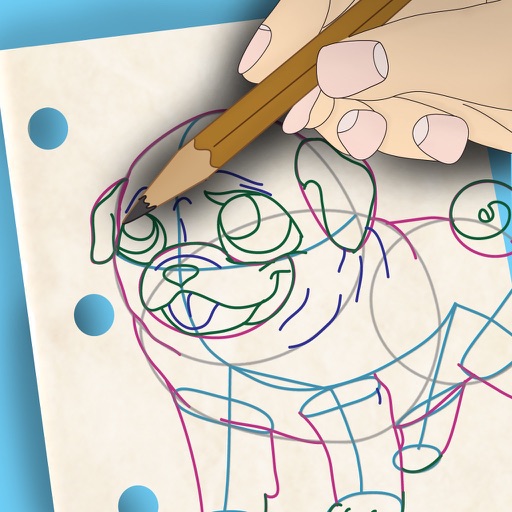
To draw with video tutorials that break down techniques into manageable steps. Practice fundamental skills through structured lessons. Follow along with visual guidance to improve technique and create artwork.
Create drawings using 13 like glow neon, crayon, and chalk. Draw on a color canvas or edit photos. Save drawings and animations to the built-in gallery. Record drawing sessions as videos and replay them.