Create floor plans and layouts by drawing lines, rectangles, and shapes on up to 10 layers. Add text, arrows, and measurements. Export designs as PDF, JPEG, or DXF. Sync files via iCloud and transfer via DropBox.
The app offers a free basic and scientific calculator with an intuitive interface. It displays equations and results simultaneously, supporting fractions and percentages.
Solve equations, perform algebraic calculations, and graph functions. Support for multiple models including TI-83, TI-84, TI-89, Casio FX, and Sharp EL. Includes a scientific , fraction simplifier, and unit converter.
Create handwritten notes and drawings with customizable brushes and erasers. Use vector tools for precise shapes and annotations. Add text, highlights, and special line effects. Save and organize digital sketches and journal entries.
Convert units across 20 categories with over 400 options, including mixed units like feet and inches. Add widgets for quick access. View conversion history and share results.
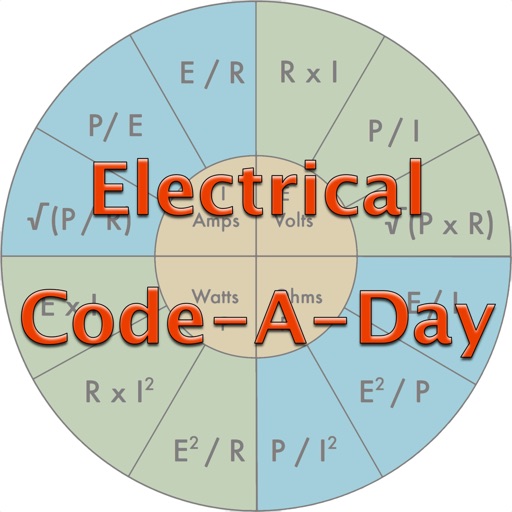
Test knowledge of codes with daily quiz questions. Answer individual questions or complete as many as possible in one session. Includes 366 basic electrician-written questions for apprentices, journeymen, and masters.
Calculate lengths, angles, and area of shapes. Select a shape from a list. Input values into text boxes linked to orange points. Adjust point positions using the NEXT button or tapping points.
Calculate angles, solve triangles, and compute trigonometric
Calculate angles, side lengths, and hypotenuse of triangles. Determine arc radius, arc length, chord length, and chord height. Solve trigonometric problems with precise formulas and tools. Input measurements to get accurate geometric results.