Apps Like Phocus: DSLR Portrait Camera for iPhone and iPad
Edit portraits with AI precision
Edit portraits with AI-powered depth control and background blur. Adjust aperture, bokeh, and focal length for realistic DSLR effects. Capture cinematic shots with intuitive controls. Sync with Apple Health for fitness tracking.
by RAY INFORMATICS YAZILIM TEKNOLOJI MEDYA DANISMANLIK VE EGITIM TICARET LIMITED SIRKETI★ 4.66,837 ratingsPhoto & VideoFreeData updated 2026-09-12
The app transforms photos into surreal art with 15 animated effects like comic-book ink, VHS, and glitch. Users can import photos or use the camera to capture images and apply real-time, on-device rendering.
Capture photos with realistic film grain, cinematic halation, and a rich color palette. No live filters or editing tools. Share directly from the without additional steps.
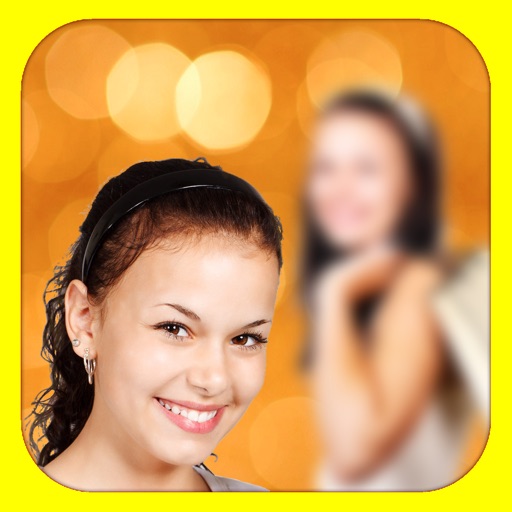
Allows users to apply effects to backgrounds. Select images from the gallery or capture new photos. Use multiple blurring tools to adjust the effect. Export edited images directly.
Take black and white photos with live preview. Use colored lens filters and professional conversion settings. Adjust contrast, brightness, and exposure in real time. Add film grain and black vignetting. Export images to social media and email.
The app adds depth of field to images, creating realistic blurs with Bokeh effects. Users can adjust blur amount, paint focus areas, and share creations on social media or save them.
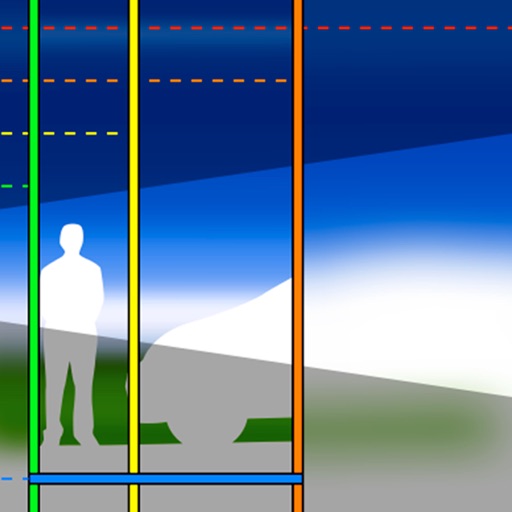
The app graphically illustrates depth of field and field of view for SLR cameras and lenses. Users can explore aperture, focal length, and focal distance in real time to understand how depth of field works.
The app provides photography basics for beginners and tools for professionals. It offers interactive lessons on exposure, aperture, shutter speed, ISO, depth of field, and white balance.
Record and stop-motion videos with support for SDR Video, HDR Video, Apple Log, 12MP, and 48MP photos. Adjust playback speed after recording. Edit footage with advanced tools. Export in various formats. Control settings during capture.
Record video with and cameras simultaneously using Picture-in-Picture, split screen, or single layouts. Capture triple shots in one click. Save and share recordings.
The app automatically detects teeth for whitening and retouching photos. It offers tools to adjust smile appearance and lip shape, along with an object remover and photo filters.
Explore professional data with detailed specifications including max aperture, mounts, weight, and image circle coverage. Overlay image circles on camera sensors for accurate coverage.
Capture photos with a focus on natural colors and authentic light. Adjust exposure and white balance manually. Use -inspired profiles to enhance tones and contrast. Share images directly or export in high-quality formats.