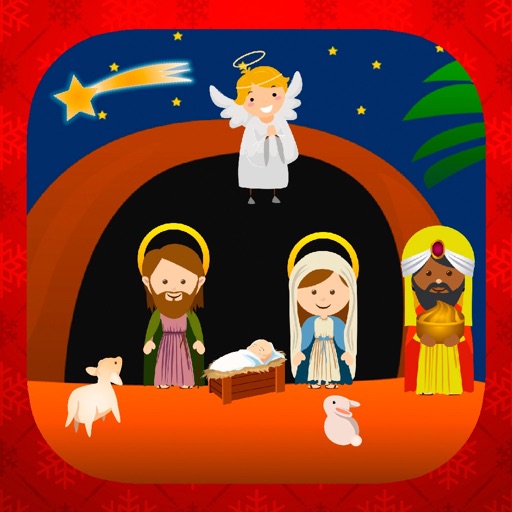
Choose a nativity scene template and customize it with over 70 stickers. Move, resize, and rotate stickers to the scene. Share the decorated nativity with friends or family.
Create and send stickers in iMessages. Drag and drop stickers into conversation bubbles. Layer multiple stickers in a single message. Scale and rotate stickers using a second finger before placement. High-quality images with large size.
Add cute and funny labels to photos of children. Edit images with customizable borders and stickers. Organize photos into albums and share edited content directly.
The app allows users to place stickers of various sizes on backgrounds. Users can clear the page by shaking the device, choose from over 20 backgrounds and 40 stickers, and save creations to the gallery or email them.
Create collages using free layouts and grids. Add stickers, text, and backgrounds. Edit photos with cropping, flipping, and layering. Save and share finished collages or stories. Generate wallpapers from edited images.
Edit photos with filters, effects, and backgrounds. Add stickers and choose from various fonts. Crop, resize, and rotate images. Create square photos and adjust ratios. Share edited photos directly.
Edit by selecting from the gallery or taking a new photo. Adjust images to a square format. Add text with customizable fonts, colors, and borders. Move, rotate, and scale text. on with finger input.
Resize images to fit various formats like Instagram posts, stories, Facebook covers, or custom ratios. Adjust aspect ratios manually or select preset options. Apply Fit or Fill modes to scale images without cropping or stretching.
Edit photos by adding , stickers, and text. Create collages and cards with customizable designs. Upload images from the gallery or take new photos. Choose from pre-designed and stickers. Add notes and messages to photos.
Select a from the collection. Crop a photo by pressing the silhouette button and drawing the desired area. Place the cropped image within the chosen scene. Share the final composition.
Kids can select pages from themed categories to create custom artwork. Color, print, and share creations with friends and family. Features include intuitive tools and options to save or print artwork.