Edit photos with stickers, filters, and effects. Add text and manga-style elements. Create collages and share directly. Adjust brightness and contrast. Save and export in various formats.
by Vitaliy Odarchenko★ 3.411 ratingsPhoto & VideoFreeData updated 2026-09-12
Edit photos with splash effects, convert images to black and white, or apply custom colors. Add filters, zoom in on photos, and use a brush tool. Export and share edited images directly.
Edit photos by adding , stickers, and text. Create collages and cards with customizable designs. Upload images from the gallery or take new photos. Choose from pre-designed and stickers. Add notes and messages to photos.
Convert photos to and with one tap. Apply various monochrome filters for different styles. Adjust brightness, contrast, and grain. Crop and resize images. Save and share edited photos directly.
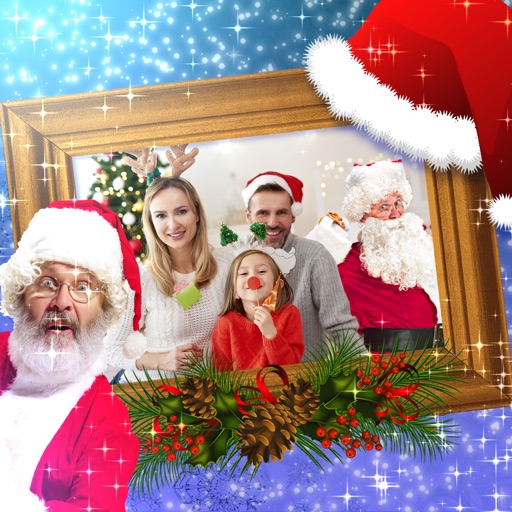
Apply New frames to photos. Add stickers and shapes. Create collages with holiday patterns. Customize designs for Hindu culture celebrations. Share edited images directly.
Create collages by combining multiple photos into layouts. Choose from 50+ grid styles and tree or 3D modes. Edit photos with cropping, filters, and text addition. Share finished collages directly.
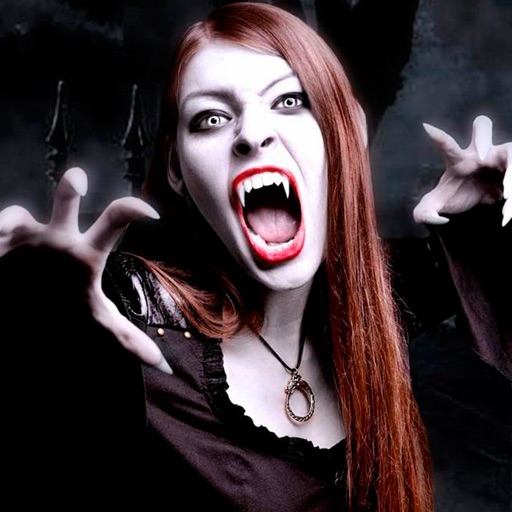
Edit photos by adding vampire from a collection of over 120 options. Adjust sticker placement and choose between black or white background. Select photos from the gallery or capture new ones with the built-in camera.
Edit photos with braces and mouth stickers. Choose from 66 braces or 44 mouth stickers. Add fake teeth and create montages. Share edited images directly.
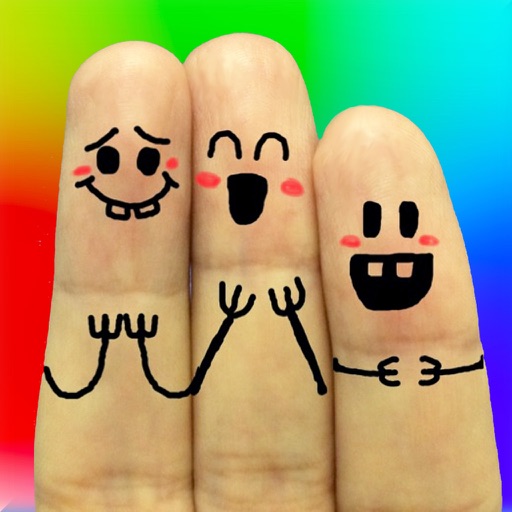
The app allows users to create finger faces using photos from their camera roll or by taking new pictures. Users can add faces, items, stickers, and text, or draw their own creations.