Convert English text to with customizable styles. Learn proper pen order and positioning for each letter. Save practice sessions and share images directly.
by Shoichiro Takaki★ 4.0590 ratingsEducationFreeData updated 2026-09-12
Learn characters with stroke order and meanings. Practice writing with real voice pronunciation. Convert between simplified and traditional characters. Get pinyin annotations and recognition feedback. Track progress through structured lessons.
Convert units across 17 categories including currency, temperature, length, weight, speed, area, and volume with over 1000 conversions and 160+ live currency rates. Save frequently used conversions and access them via a widget.
Customize iPhone or iPad home screens with -Fi and Space-themed wallpapers. Add widgets for background images. Choose from 250+ widget backgrounds or upload personal images.
Learn phonics and trace alphabet letters with interactive . Play quizzes to test knowledge. Access offline mode without ads. Use auto-run feature for continuous learning. Track progress with full-function activities.
Convert photos into artistic styles like caricature, stylized portraits, and virtual backgrounds. Extract portraits and replace backgrounds with customizable options. Create magazine covers and animated themes. Share edited images directly.
Convert selfies into styles like anime, comic characters, or digital paintings using AI. Apply filters, adjust colors, and edit details. Save and share edited images directly.
Help children practice numbers and drawing shapes through exercises. Include features for family names and creating drawings. Boosts creativity and confidence with interactive activities.
Convert units across , engineering, and everyday categories. Perform calculations with built-in formulas. Save frequently used conversions. Toggle dark mode. Switch between languages. Provide feedback for improvements.
Learn with guided writing practice and audio pronunciation. Practice letters offline, repeat sounds, and test retention with quizzes. View letter names and transliteration.
With step-by-step tutorials and exercises. Access offline lessons for anytime practice. Follow detailed instructions to improve techniques. Track progress through guided sessions. Export drawings directly from the .
Teaches letter recognition and pronunciation through animal examples. Includes interactive reading with images and sounds. Guides writing practice with letter formation exercises. Offers pronunciation feedback and repetition drills.
Create art from text or images using AI-generated styles. Choose from preset styles for quick results. Adjust parameters to refine output. Share generated art directly to social media or save for later.
Convert across categories with a modern interface. Navigate using sidebar and tab bar. Create multiple windows and drag items to new screens. Share data and access context menus. Includes a quick start guide and light/dark modes.
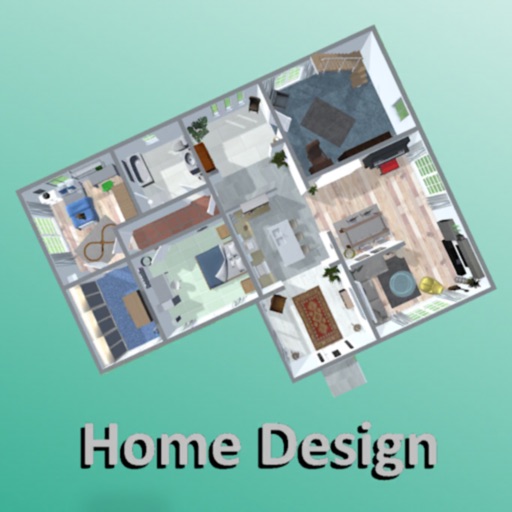
Create 3D plans and furnish rooms with customizable layouts. Generate high-resolution images for projects. Use first-person mode to navigate virtual spaces. Share realistic 3D visuals with clients or partners.
Convert decimal, hexadecimal, octal, and binary numbers to each other. Auto-corrects input errors. Perform conversions between all number systems with intuitive interface.
Alphabets through familiar words and audio pronunciation with background music. Challenge users to identify correct letters and words, track scores. Practice writing letters in solo or multiplayer mode.