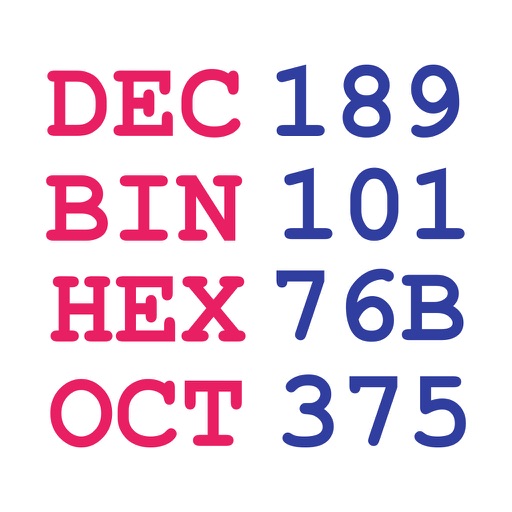
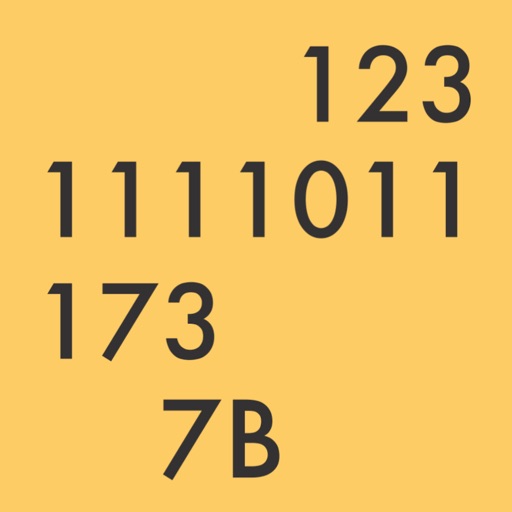
Convert decimal, hexadecimal, octal, and binary numbers to each other. Auto-corrects input errors. Perform conversions between all number systems with intuitive interface.
by Mark Raymond★ 4.633 ratingsEducationFreeData updated 2026-09-10
Convert numbers between binary, decimal, hexadecimal, and octal systems. Support for floating point and large numbers. Copy results to clipboard. Switch between light and dark themes. Perform quick conversions with a modern interface.
Perform basic calculations in portrait mode and scientific calculations in landscape. Use root, power, factorial, exponential, division, logarithm, and trigonometric functions. Features a flat UI design similar to built-in iOS apps.
Convert numbers between , , hexadecimal, and octal formats. Input a value and select the target format for conversion. Display results clearly with error handling for invalid entries.
Convert binary numbers to hex, octal, and decimal formats. Input numbers manually or copy-paste. View converted values instantly. No additional features or tools provided.
Convert numbers between decimal, binary, hexadecimal,
Convert numbers between decimal, binary, hexadecimal, and octal systems. Input integers from 0 to 2^31-1. Perform conversions in both directions. Display results in selected number formats.
Perform instant number system conversions between binary, decimal, octal, and hexadecimal. Execute arithmetic operations including addition, subtraction, multiplication, division, and mod.
Allows conversion between Hex, Decimal, Octal, Binary, and Dozenal values. Features include large buttons for accurate input, a large display for readability, and gesture-based copy/paste functionality.
Convert , , hex, and octal numbers with one-tap input. Perform bidirectional conversions between all number systems. Save and share conversion results. View detailed conversion steps and history.
Perform calculations with binary, octal, decimal, and hexadecimal values displayed simultaneously. Enter and view hex codes and RGB values on the same screen. Display up to 19 decimal digits. Toggle conversion reset on or off.
Perform complex calculations with scientific, engineering, and hexadecimal modes. Use RPN and multi-line display. Convert units and access constants. Undo and redo actions. Sync with Apple Watch for on-the-go calculations.
The app offers a free basic and scientific calculator with an intuitive interface. It displays equations and results simultaneously, supporting fractions and percentages.
The app converts numbers between binary, hexadecimal, octal, and decimal formats. It includes functions for bit shifting, adding one, and subtracting one, with an optimized keyboard for input.
Convert numbers between hexadecimal, decimal, octal, and binary formats. Calculate two's complement and flip byte endianness. Perform bit-shift operations and view bit indicators with word grouping. Tap to copy, paste, or clear numbers.
Convert numbers between , octal, decimal, and hexadecimal systems. Perform step-by-step conversions. Adjust application theme, set maximum digits in fractional results, choose negative number representation, and limit bits in negative outputs.
Convert units across 16 categories with instant results. Switch between metric, imperial, and other systems. Calculate conversions for length, weight, temperature, and more. Store frequently used values for quick access.