Perform complex calculations with high-precision math functions including trigonometric, hyperbolic, and special functions. Calculate derivatives, integrals, and roots. Program custom functions and store equations.
by David Smith★ 3.73 ratingsProductivityFreeData updated 2026-09-12
Solve problems with on-screen gestures. Input equations and expressions directly. Receive real-time feedback and step-by-step guidance. Track progress and review solutions. Sync with educational platforms for assignments and quizzes.
Explore probability with interactive sliders and buttons. Calculate probabilities and percentiles for upper tail, lower tail, or two-tailed tests. Visualize results alongside numerical solutions. Compare continuous and discrete side-by-side.
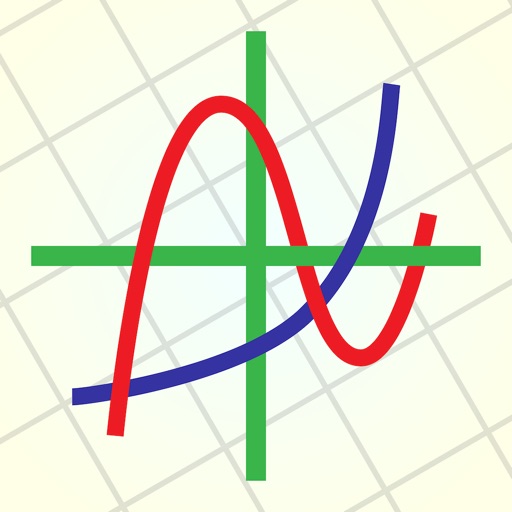
Create and analyze mathematical graphs with precise notation display. Edit graphs with color and line style customization. Find coordinates, intersections, and key points like zeros and extrema. Perform domain analysis and use an intuitive keyboard.
Performs basic arithmetic and scientific calculations. Save equations and results for later. Unit Converter converts units for area, length, temperature, and more. Includes tools for currency exchange, date calculations, and percentage computations.
Perform calculations using a scientific calculator with customizable layouts. Take notes automatically with the notepad feature. Enable multitasking with slide over and split view on iPad. Drag and drop elements for easy rearrangement.
Allows users to perform calculations using natural language inputs. It supports various units and functions for problem-solving. Users can handle currency conversions and date math in real time. The enables equation editing and result tracking.
Perform complex calculations with a scientific interface. Enter expressions in natural order. Simplify results with symbolic computation. Swipe to review previous calculations. Track history and reuse past entries.
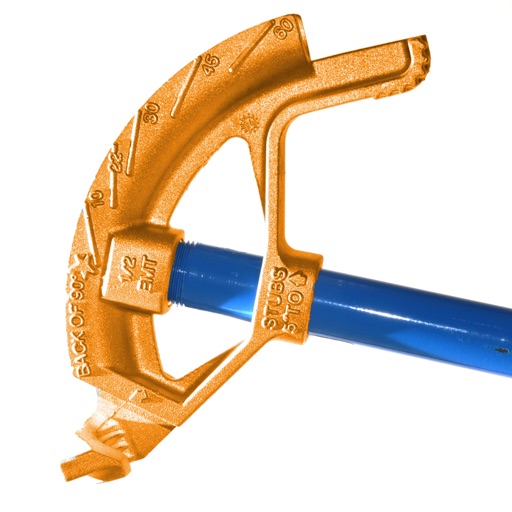
Calculate conduit bends with precise measurements and angle calculations. Input pipe dimensions and tool specifications. Generate bending templates and visualize the layout. Export data for use in projects.
Perform calculations using reverse Polish notation. Swipe to undo or redo operations. Access a 100-entry stack and 6 memory buttons. View large, easy-to-read displays. Save state on exit. Supports scientific functions and multiple undo/redo levels.
Perform arithmetic, logical, and memory operations. Calculate modulo, bit shifts, and bitwise functions. Save and load values. Switch number bases and modes via device rotation or screen edges.
Calculate time durations between dates and times. Add or subtract time intervals. Track working hours with customizable settings. Support for 24-hour and 12-hour formats. Handle time data from flight logs and other time-based records.
Graphing allows users to visualize mathematical functions with interactive sliders. Adjust parameters to see real-time changes. Explore multiple graph types. Save and share . Track progress with learning goals. Sync with educational platforms.
Graphmatica allows users to plot Cartesian, polar, parametric, and differential equations. It supports data plotting and curve-fitting. Users can graph up to 999 equations simultaneously.