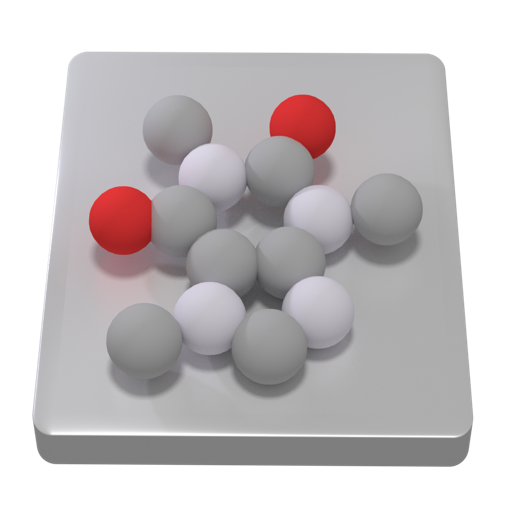
Explore atomic and molecular behavior in liquids, solids, and gases. Manipulate simulations to observe particle interactions. Visualize physics concepts through interactive models. Share findings and collaborate on research projects.
Teach children to code with interactive lessons and step-by-step tutorials. Create and share projects using block-based programming. Track progress and receive feedback. Sync with classroom accounts for teacher oversight.
Allows SSH, Mosh, Telnet, and SFTP connections from mobile or desktop. It supports port forwarding and secure file transfers. Users can access a virtual keyboard or connect Bluetooth keyboards. Gestures and device shaking control terminal actions.
Write clean, error-free code on iOS with syntax highlighting, auto-indentation, and code completion. Create, edit, and run scripts directly. Supports debugging and integrates with version control systems.
Run code and scripts directly on your mobile device. Execute programs with a single tap and view output in a console. Write functions and classes, import standard library modules. Access built-in AI assistance for help.
Allows editing and text with syntax highlighting for over 80 languages. Connect to SFTP, FTP, WebDAV, or Dropbox. Use built-in SSH terminal for server access. Save and export files directly.
Provides a command line interface for coding and system tasks. Users can execute commands like ls, ping, and clang. Features include file management, network diagnostics, and text processing. Supports scripting and terminal-based development.
Navigate and manage files and folders, preview documents and media. Browse and view notebooks. Run scripts and notebooks. Integrate with source code formats. Edit and debug code with syntax highlighting. Save and export code changes.
Allows users to plot functions, polar, and parametric graphs. Users can edit equations in the graph editor and view graphs. Features include tracing, finding intersections and extrema, displaying derivatives, and adding tangents.
Learn in Python with guided lessons for beginners. Create projects and express creativity through code. Join a community for collaborative learning and support. Track progress and practice writing code with interactive exercises.
Write Python scripts and run them directly on iOS devices. Access sensors, location, photo library, contacts, and clipboard. Use popular modules like requests, numpy, and matplotlib. Develop and test code on the go without needing a computer.
Allows users to write, run, and debug code locally on iOS. It supports popular libraries like NumPy, Pandas, and Matplotlib. Users can manage projects, view variable outputs, and integrate with external tools.
Simulate electronic circuits with engine and virtual instruments. Add components to a breadboard and connect them. Analyze signals using oscilloscope and logic analyzer. Export simulation data. Create or customize electronic parts.
Provides a Python 3.10 environment with code completion and a debugger. It includes a terminal, C/C++ compiler, and support for third-party libraries like cryptography and matplotlib. Users can build graphical interfaces and use Shortcuts.
Developer tools for Safari enables web developers to inspect DOM elements, view network activity, examine console logs, and access stored data. It allows code inspection, error checking, and resource management.