Create collages with over 1000 layouts and customize with filters, frames, and text. Edit photos using cropping, adjustments, and stickers. Save and share edited images directly.
Plan layouts by dragging and arranging images. Create cohesive and carousel posts. Design video covers and reels with ready-made templates. Edit and export content for , TikTok, and stories. Sync with social media platforms for direct posting.
Edit videos with trimming, splitting, and merging tools. Add text, stickers, and music. Apply filters and transitions. Export in vertical 9:16 format. Share directly to TikTok, Reels, and Shorts. Supports multiple video and audio sources.
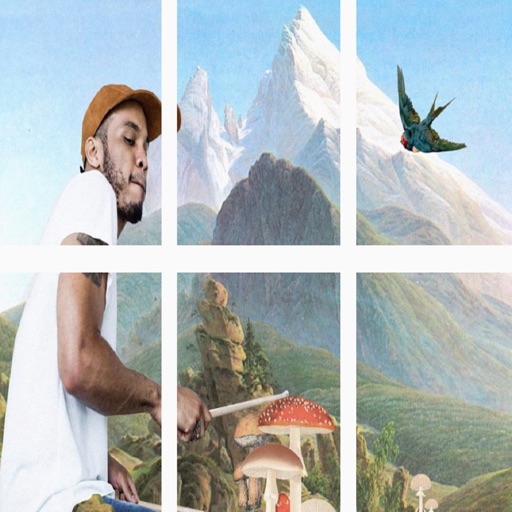
Create grids for social media and galleries. Arrange and resize images in customizable layouts. Add borders, frames, and text overlays. Share grids directly to Instagram or save as high-quality images.
Create collages using 1000+ layouts and effects. Edit photos with filters, split images, and adjust brightness. Add text, stickers, and templates. Share edited collages directly.
Create collages by selecting photos and arranging them in customizable layouts. Choose from 200+ frames and templates. Adjust colors, borders, and backgrounds. Edit photos with crop and enhancement tools.
Share photos by clicking twice. Split images into square sections that fit together on social media. Choose from multiple layouts. Upload and edit photos with intuitive guidance. Adjust brightness, contrast, and saturation. Add text and filters.
Selective coloring allows users to add to specific image areas against a monochrome background. Recolor tools enable adjustments to hair and eye colors. Users can apply advanced editing options to enhance and customize their photos.
Design posts with swipeable carousels and collages
Create swipeable posts and panoramic collages for Instagram. Use professionally designed templates or build custom layouts. Add text, images, and effects. Export and share directly to social media.
Split images into 1x2, 1x3, 2x3, 3x3, or 4x3 grids. Adjust photos by zooming, moving, or rotating. Export high-resolution splits. Post split images directly to Instagram as a single photo.
Create and video collages with customizable grids and layouts. Add photos, text, stickers, and drawings. Use exclusive filters and animated templates. Export and share finished designs.
The app helps users create aesthetic photo collages, scrapbook memories, and social media designs using AI-powered editing tools and creative templates. Users can design Instagram posts, stories, reels covers, and more.
Edit photos, enhance images, generate AI portraits,
Edit photos with AI to erase, swap, and change backgrounds. Enhance images using AI-generated effects and filters. Create realistic AI portraits and designs with templates, fonts, and backgrounds. Export and share edited photos in multiple formats.
Create viral-worthy content with AI-powered editing tools. Automatically enhance photos and videos with AI Magic. Add text, stickers, and filters. Share directly to social media. Collaborate with others using a shared library.