Remove with automatic portrait recognition or brush matting tools. Choose from multiple shape options for precise masking. Add color line strokes to edited areas. Export modified images directly.
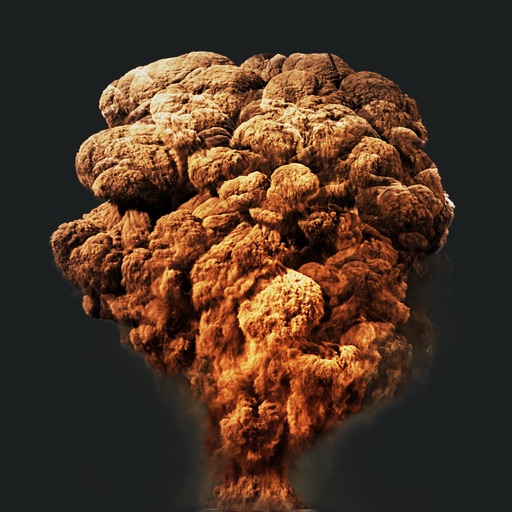
Create action scenes with realistic including fire, explosions, blasts, and muzzle flashes. Import or take a photo, then add by tapping and adjusting their position, scale, and rotation.
Create collages using 100+ 2D/3D frames. Add images from gallery or camera. Adjust opacity and rotate photos. Include text with custom fonts and colors. Apply effects to enhance visuals. Export and share finished collages.
Stream or download music from Dropbox, OneDrive, and Google Drive for offline playback. Create and sync cloud playlists. Support lossless FLAC and ALAC formats. Enable gapless playback. Backup and sync playlists across devices.
Create large tiled banners from photos for Instagram. Adjust size, add photos, and scale or move images. Save tiled banners to your album and upload to Instagram.
The app offers artistic generative presets, image layers, and adjustment layers for photo editing. Users can create art prints, improve photos, or develop digital art skills with its editing tools.
Control LED display mask with text input and animation effects. Use AI to generate celebrity faces or create custom graffiti. Import photos or album images to display on the mask. Access various animations and effects for different scenarios.
Color by number game allows users to select and fill numbered sections with colors. Complete puzzles by matching numbers to colors. Choose from various themed images. Save progress and share completed artwork.
Create collages by selecting multiple images and arranging them in different grid layouts. Add frames from a collection of 100+ designs to enhance images. Build personal stories by organizing photos and sharing them directly.
Play escape games featuring puzzles, sounds, and art. Solve items and tremors to escape each room. New titles are added regularly. Auto-save progress. Start with easy levels for beginners.
Decorate photos with customizable and add messages. Choose from themed for holidays and occasions. Edit images by adding text and notes. Share framed photos directly.
The app displays user pictures in a virtual gallery. Users can add pictures from albums, arrange them on walls using gestures, and add frames with custom depth, width, and color.
Play files in various formats including MP3, MP4, WAV, M4A, FLAC, 3GP, and OGC. Support background playback and an intelligent sleep timer. View embedded lyrics. Save playlists for future access.
Create personal time-lapse videos by capturing and adjusting photos. Set reminders, change order and timings, and preview FaceSlides anytime. Choose from seven camera overlays or import multiple photos. Watch videos on Apple Watch.