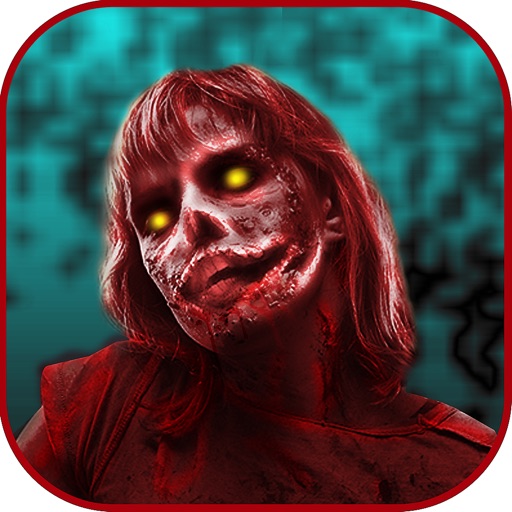
Take photos and videos with 9 customizable effects including smile enhancement, face stretching, and character transformations. Adjust effects on-screen. Share images and videos via email, Twitter, or Facebook.
Capture with real-time live effects and color presets. Apply adjustable effects and enhance colors simultaneously. Use screen flash for better results in low light. Share directly from the .
Edit photos by adding realistic scars, cuts, and bruises. Adjust transparency and blur for a lifelike appearance. Share modified images with friends and family.
Change eye appearance in photos and videos using face detection. Apply funny eye effects like big, sleepy, or cartoon styles. Choose from makeup options including liners and shadows. Select animal or Halloween-themed eye transformations.
Edit photos with filters, stickers, text, and frames. Access images from social media and cloud accounts. photos via IVY Photo Printer or IVY CLIQ+/CLIQ+2 cameras. Share edited photos and order sticker prints for personal items.
Create collages with 20000+ layouts and effects. Add stickers and text to photos. Edit images with cropping and filters. Make videos with carousel and slideshow options. Share directly to Instagram.
Apply photo filters to create horror-themed images. Edit photos with cropping, adjustments, and effects. Add text and stickers for a creepy atmosphere. Export and share edited photos in various formats.
Lets users exchange faces between photos. Users can entire faces or specific features like eyes, lips, and nose. Multiple swaps are allowed in a single . Faces can be copied, saved, and reused in other images.
Lens Buddy Selfie Timer Photo Video Filter Camera LLC
Capture photos on your own schedule
Take photos automatically using a set time interval between shots. No need to press buttons or hold the device. Capture -portraits and group photos. Edit and share images directly from the . Sync with social media platforms.
Apply masks to photos by selecting from over 50 options. Adjust mask position and size. Crop or scale the photo freely. Save and share the edited image.