The app allows users to combine multiple photos into a single collage. Users can select from various layouts and frames, add captions, and apply special effects.
Take photos or select images from the camera roll. Add romantic stickers and effects to enhance the image. Save creations and share via email, Twitter, or Facebook.
Connect your smartphone to the printer via Bluetooth. Select and edit photos for printing. Choose between -Natural Mode for standard quality or -Rich Mode for vibrant colors. Use QR Print Mode to add QR codes to prints.
Create collages using free backgrounds, stickers, and fonts. Add text and images. Save collages to device or print. No account or social sharing required. Suitable for classroom and children use.
Take photos with real-time filters and artistic effects. Edit images with cropping, brightness, and color adjustments. Add text, stickers, and holiday-themed decorations. Share edited photos directly to social media.
Create digital invitations for events like birthdays, weddings, or baby showers. Design customizable cards and flyers. Track RSVPs and manage guest lists. Share invitations via text, email, or social media. Print or save as digital copies.
Allows users to shoot photos and videos with 30+ simulated cameras, each replicating the color and texture of classic cameras. Users can apply unique styles to existing media or shoot directly.
Create collages with multiple layouts and effects. Combine photos from gallery or camera. Merge videos into single clips. Add transitions and effects. Edit images with cropping and filters. Share finished collages directly.
Create collages by arranging photos in various layouts and adjusting their position, angle, and size. Apply unique filters and choose from rich typography styles and text stickers.
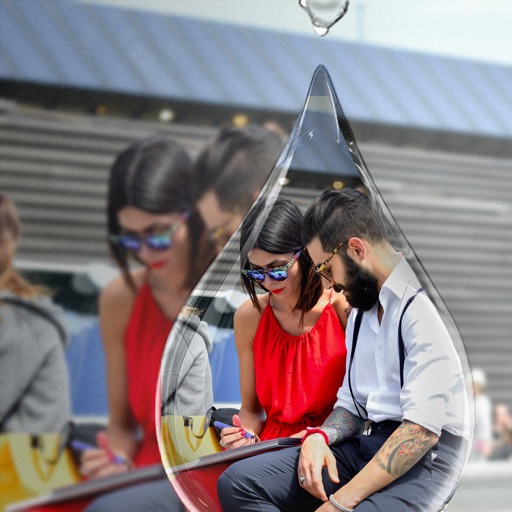
Edit photos with PIP frames, collages, and creative layouts. Add crystal bottle patterns and cartoon styles. Share edited photos directly to social media. Adjust brightness, contrast, and colors. Crop and rotate images.
Take photos, adjust guidelines, preview fat appearance
Take a front-facing full- . Adjust guideline markers if needed. Transform the image into a fat version. Save, share on Facebook or Twitter, or email the result.
The app allows users to share photos and videos from their gallery with friends and family. Shared content appears in a time-based collage, merging perspectives from multiple users.