Learn to draw anime characters with structured lessons covering basic poses and chibis. Access coloring pages for stress relief. Use realistic brushes to enhance techniques. Track progress and practice different art styles.
Color images with 2D drawings and various tools including a bucket for filling areas. Explore daily updated collections of images. Share completed drawings via social media or email.
Create images from text using generative AI. Adjust colors, styles, and details manually. Save and share generated visuals directly. Explore diverse artistic interpretations based on text input.
Children can create art using various brushes, colors, and patterns. They can undo mistakes easily. The includes calming meditative music. Users can share their artwork.
Edit photos with layers, filters, and brushes. Adjust brightness, contrast, and color. Add text and stickers. Export in multiple formats and share directly.
Create social media posts, flyers, collages, logos, and wallpapers with drag-and-drop tools. Use pre-designed templates for Instagram, Facebook, and phone wallpapers. Add text, images, and graphics.
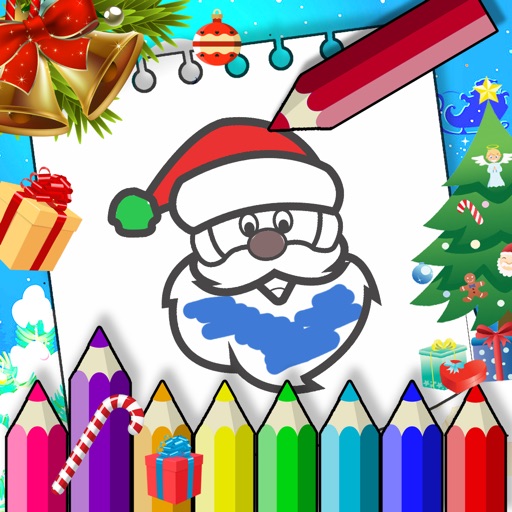
Create and share artwork using 80+ coloring pages across themes like animals, vehicles, and Christmas. Tap to fill areas with a bucket and use rainbow brushes with sparkle effects. Save creations and share them. Works offline without needing Wi-Fi.
Edit photos by blurring backgrounds, faces, or specific subjects. Apply various effects and filters. Save edited images to the camera roll or share them directly.
Create art by following lines with customizable brushes and bright colors. Choose from various patterns and tools. Save and share completed drawings. Adjust colors and brush sizes for detailed painting.
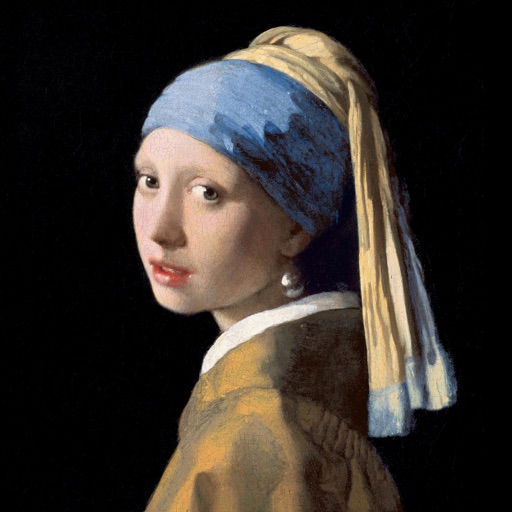
Color the art versions of famous paintings. Choose from a weekly updated collection of artworks. Remove ads and unlock unlimited through the Amuse Museum Club. Save and share completed drawings.
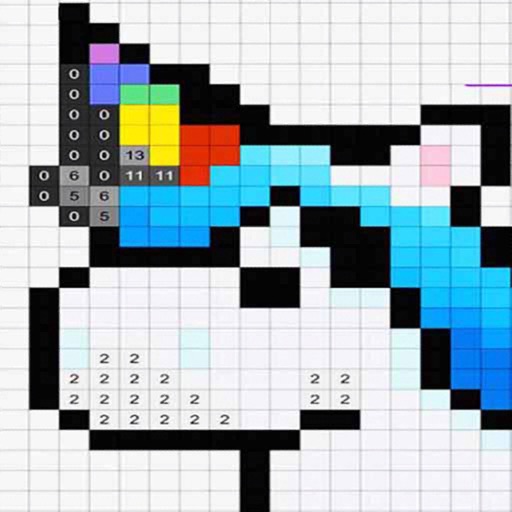
By allows users to select and images based on numbered sections. Features include choosing from floral, mandala, and animal designs, following numbered guides to fill in colors, and completing artwork.
The app uses live-calculated brushes and strokes with HDR values for a unique art style. It offers gritty paper/canvas textures that interact with drawing tools for a satisfying look.
Edit photos with multiple layers, blending modes, and masking. Adjust colors and brightness using adjustment layers. Apply brushes, smudge, warp, and effects. Add shadows and clarity. Export and share edited images.