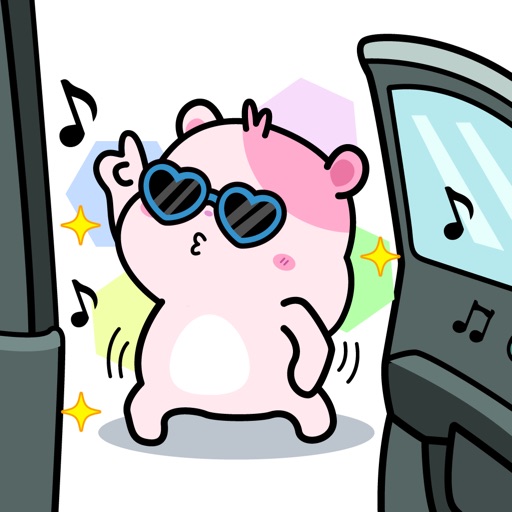
Use animated stickers to respond to messages or photos. Select from 21 conversational designs for reactions, emotions, and situations. Place stickers by pressing and holding on messages or images.
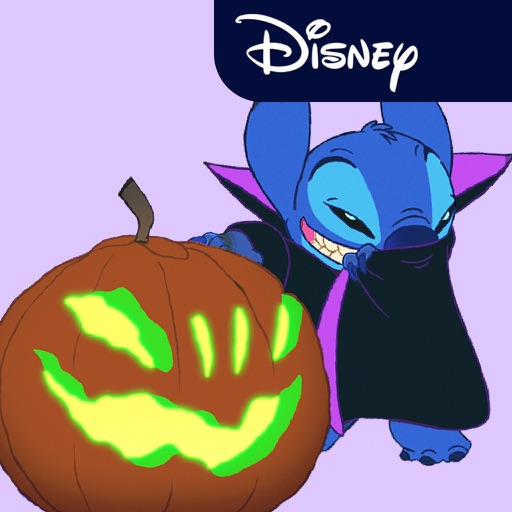
Access iMessage apps by tapping the Store icon next to the compose field. Use stickers featuring characters and phrases from films like Lilo & Stitch and The Little Mermaid. Add stickers to messages directly within iMessage.
Add cat stickers to messages. Choose from a collection of cute cat images. Customize size and position. Share stickers across platforms. Save favorites for quick access.
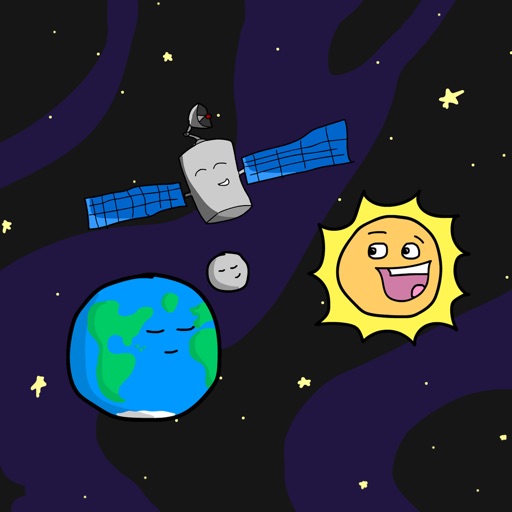
Add space-themed emoji stickers to iMessage conversations. Customize messages with animated stickers of planets, rockets, and stars. Share stickers directly within chats or save for later use.
Send and receive animated stickers in iMessage. Choose from 25 high-resolution animated stickers. Purchase to unlock all stickers. Add expressions to conversations with fun, customizable options.
Add animated to messages with a tap. Choose from various poses and colors. Share in popular messaging apps. Customize animations and expressions. Easily integrate into conversations.
Use stickers to express emotions during chats. Swipe through pages to navigate. Access 149 stickers permanently after one-time purchase. Share stickers in messaging apps.
Add -themed stickers to messages. Choose from ghosts, pumpkins, witches, bats, candy, and other festive images. Customize chats with spooky or playful visuals. Share stickers directly in conversations.
Use Japanese-inspired emoji stickers to enhance messages and conversations. Tap to view author info, share stickers, or access label details. Add expressive visuals to chats and social media posts.
Send and receive stickers in iMessage with 240 high-resolution static and animated options. Include 76 free stickers; purchase for full access. Add humor and expression to conversations.
Use stickers with animations to enhance messages. Include unicorns, bunnies, butterflies, flowers, hearts, ponies, castles, and rainbows. Add decorative elements like stars and detailed designs. Share customized messages with animated stickers.
Create and send stickers in real-time. Choose from hundreds of -themed and expressions. Customize sticker size and position. Share directly via messaging apps.
Send animated stickers and to friends. Choose from themed animations. Customize messages with holiday visuals. Share directly via chat or social media.
Add stickers with expressive animations to iMessage conversations. Choose from a variety of emotions and reactions. Customize sticker size and position. Share stickers across devices. Sync with Apple Messages.
Create and customize messages by layering stickers. Select stickers from the drawer, peel them off by holding, and drag them onto other messages or stickers. Combine with compatible sticker sets for varied designs.
Use featuring a cute to enhance chat conversations. Add to messages, customize sticker size, and share across platforms. Includes 40 free in a single pack.
Use stickers with text and illustrations for messaging. Add emojis and customize sticker sizes. Share stickers via messaging apps. Access a large collection of sayings and designs. Support dark mode and new sticker updates.
Customize avatars with animated stickers from the Tamagotchi anime. Add stickers to messages and social media posts. Choose from a variety of expressions and animations. Share stickers with friends and customize avatar appearances.
Use animated stickers to express emotions and messages. Add text overlays to customize stickers. Share stickers directly in chats and social media. Includes a mix of animated and static sticker options.
Use stickers featuring characters like Awesome, Ellie, Grateful, Cooper, Milbert, Kira, Koda, and Hudson. Add stickers to messages or social media posts. Customize sticker packs with new characters as they become available.