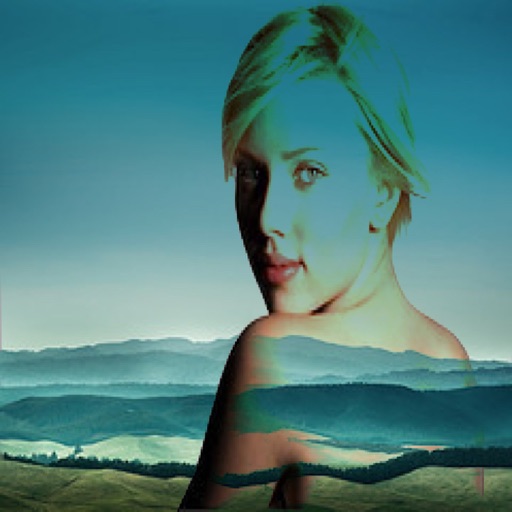
The app allows users to combine two images using various blend modes. Users can select photos from their device or the web and adjust layer transparency.
Create collages by combining multiple photos into layouts. Choose from 50+ grid styles and tree or 3D modes. Edit photos with cropping, filters, and text addition. Share finished collages directly.
Track playtime, achievements, and trophies across Steam, PlayStation, Xbox, and Nintendo Switch. Log games, manage backlogs with categories, and view reviews. Sync data for a unified gaming history.
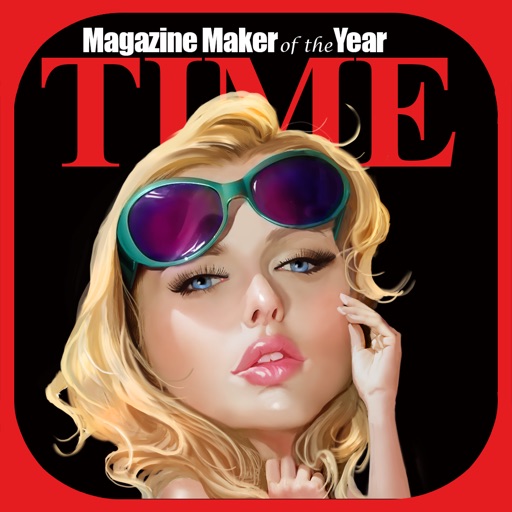
Create fake covers by selecting or capturing an image, resizing and rotating it, adding filters, and editing text. Apply effects and save projects to resume later. Export the final design for sharing.
Stream facial expressions to VR MocapFusion for real-time avatar face capture. Integrate with SteamVR for full body motion capture. Export motion data to Blender. Use face capture during live streams with Unreal Engine plugins.
The app allows users to compare before and after images using a draggable slider. Users can save and share a snapshot of the current view, though the slider functionality is not present in shared images.
The app allows users to adjust image sizes by importing from the photo library, camera, or clipboard. It helps users correct image sizes for design projects and preview pixelation at different scales.
Blend RAW photos with live layer control. Adjust exposure per layer and modify layers by pinching, rotating, scaling, or moving. Merge, reorder, hide, or delete layers. Supports DNG, CR3, NEF, and AR formats.
Resize images by adjusting height or width while maintaining aspect ratio. Compress files to reduce size. Save to camera roll, Files , or share via email, printer, and other native options.