The app offers a clean interface and clear canvas for creating pixel art. It includes features like onion skinning for game sprite creation and supports large canvases up to 4096x4096 pixels.
Create digital art with natural-media brushes and exclusive media types. Sketch, draw, and paint on a blank canvas. Transform photos into artwork using AI and cloning tools. Access advanced features with a subscription.
Paint X is a digital sketchpad for drawing, coloring, and editing pictures. The app offers realistic digital brushes and over 150 built-in brushes for creative projects.
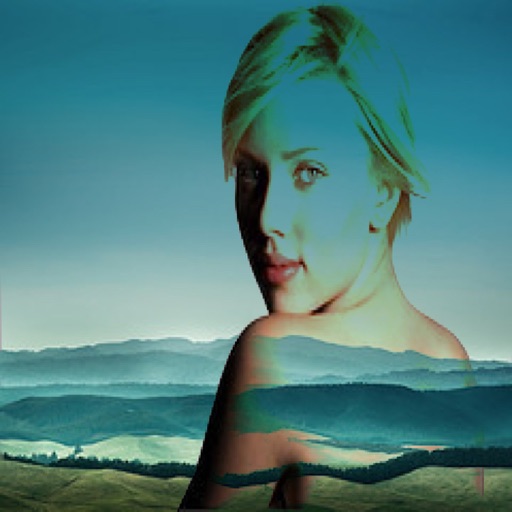
The app allows users to combine two images using various blend modes. Users can select photos from their device or the web and adjust layer transparency.
Convert photos into drawings, cartoons, or sketches with one click. Choose from various effects like black strokes, pastel, or halftone. Adjust edge strength, opacity, contrast, brightness, and saturation. Save the edited result.
Create menus and lists with drag-and-drop editing. Choose from templates, fonts, icons, and images. Customize designs with dark, light, classic, or sleek themes. Switch between dine-in and takeaway layouts. Export as PDF or image files.
The app provides tools for drawing, coloring, and editing pictures. Users can create digital sketches, add text, and use realistic brushes for various effects.
Create photo and overlays with adjustable . Add text over images or videos. Adjust transparency and layer sizes. Share final edits without watermarks. Supports within and within effects.