Manage employee schedules with a dashboard for tracking , approving changes, and viewing work schedules. Employees can in and out, add sheet adjustments, and access their schedules on-the-go. GPS tracking is available during work hours.
Displays time and date with options to switch between 12/24-hour format, second display, and font size. Shows analog and time in top bar. Automatically scrolls like a smart display with adjustable screen switch interval.
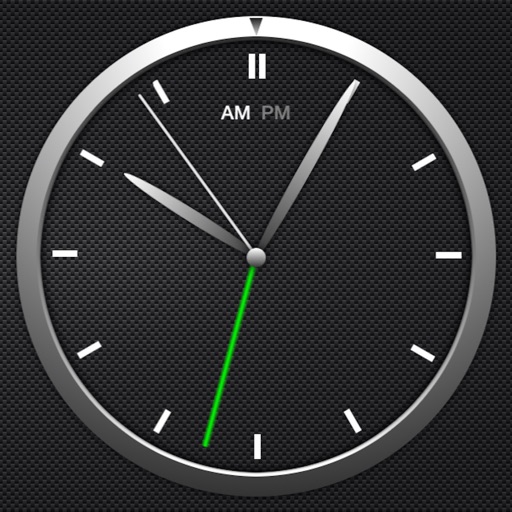
The app offers a simple and intuitive interface for setting alarms by moving the alarm hand. Users can choose from 8 built-in alarm sounds or play music from their library, with alarms functioning even when the app is in the background.
The app displays local time, Ethiopian local time using a 24-hour clock, and Ethiopian local time using a 12-hour clock. It helps clarify time differences and local conventions.
Desktop displays time with a style and retro interface. Set focus mode to minimize distractions. Use countdown timer for tasks like cooking or workouts. Adjust settings for time zones and alarms.
Set alarms before Shabbat with short, non-looping ringtones under 30 seconds. Enable airplane mode and disable Wi-Fi and cellular data. Adjust volume and turn off silent mode to ensure alarms work fully offline.
The app provides multiple alarms with custom tones and background sound options. It offers a sleep timer and displays weather information, news feeds, and tweets.
Track time with a retro face. Set alarms and timers. Adjust for 12-hour or 24-hour format. Customize watch faces with vintage designs. Sync with smart devices for notifications.
Set alarms with customizable sound and repeat options. Choose between 12-hour and 24-hour formats. Adjust display brightness and select from multiple faces. Wake to specific sounds or vibrations. Track time with large, clear visuals.
Convert decimal, hexadecimal, octal, and binary numbers to each other. Auto-corrects input errors. Perform conversions between all number systems with intuitive interface.