Create slideshows using photos and videos. Add transitions, background music, and effects. Share slideshows via TV or social media. Organize media into custom playlists. Edit captions and timing for each slide. Export to various file formats.
Create short videos under 30 seconds using photos from the gallery or phone. Apply various effects to enhance visuals. Save and share videos on social media. Access all created clips in a dedicated section.
Record GIF animations with a single touch. Create GIFs from photos or slideshows. Save to a private library. Apply photo filters. Add custom titles and emojis. Preview edits in real time. Share GIFs directly.
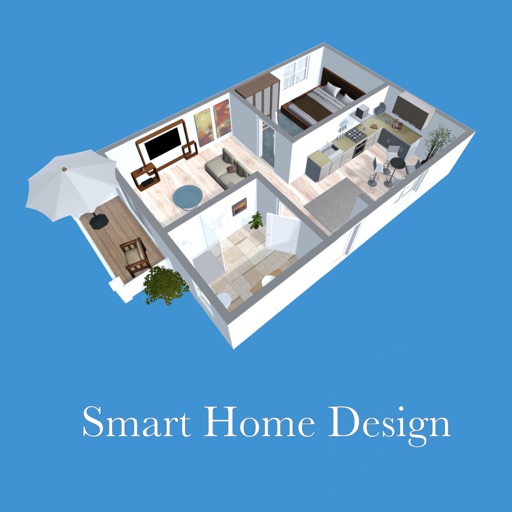
Create 3D floor plans and furnish rooms with extensive furniture libraries. Generate high-resolution images of projects. Virtually walk through designs in first-person mode. Share 3D images to impress customers or partners.
Edit photos with brushes and black-and-white effects
Edit photos by converting them to black and white and selectively retaining with a finger brush tool. Zoom in and out using two-finger pinching for precise adjustments. Share edited images via email or upload to Twitter, Flickr, or Dropbox.
Create dynamic slideshows with auto-updating content from cloud storage. Add custom animations, video playback, clock, and weather overlays. Display photo details and sync with iCloud, Google , Google Drive, Microsoft OneDrive, and Dropbox.
Adjust exposure, focus, and white balance manually. Capture images in RAW DNG format. Save photos to roll. Access advanced controls for precise adjustments. Replace automatic settings with custom configurations.
Create slideshows using templates and edit photos with advanced tools. Add text, stickers, and filters. Share directly to social media with pre-set tags. Edit and export videos in multiple formats.
The app offers over 70 full resolution images of nature landscapes and wildlife. Users can download images to their library for personal use, including wallpapers and school projects.