Apps Like Photo Background Eraser – Remove, Replace & Blend for iPhone and iPad
Edit photos, remove backgrounds, images
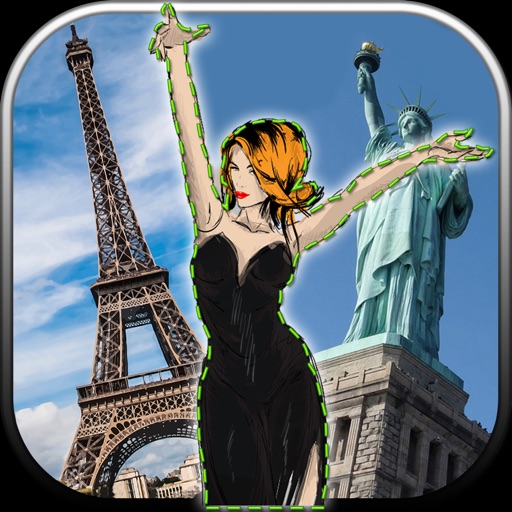
Edit photos by removing unwanted backgrounds and replacing them with scenic images. Cut out subjects and paste them onto new backgrounds. images for seamless montages. Share edited photos directly.
by Vladimir Djordjevic★ 2.210 ratingsLifestyleFreeData updated 2026-09-11
Remove objects, people, or distractions from photos using AI technology. Edit images to clean up backgrounds or eliminate unwanted elements. Save and share edited photos directly.
Photos and videos using AI to expand images, remove objects, and replace or blur backgrounds. Enhance image quality, restore old photos, and create AI-generated scenes. Share edited content directly to Instagram.
Remove unwanted backgrounds or objects from photos. Edit images to make backgrounds transparent. Add custom backgrounds for improved visuals. Erase specific areas for enhanced photo quality. Save and share edited images directly.
Remove backgrounds from images using AI-powered tools. Select areas to erase and automatically cut out subjects. Export as transparent PNG files. Adjust edges and refine results manually. Share edited images directly.
Remove backgrounds from images by drawing a closed curve. Automatically erase similar color areas for transparent results. Adjust brush size for precise edits. Pan, zoom, and rotate images.
Edit photos by removing backgrounds using AI-powered . Select images from gallery or camera. Replace backgrounds with options from various categories. Blend foreground with chosen for natural results.
Remove unwanted objects from photos by deleting people, logos, watermarks, or text. Use intelligent fill to replace removed areas with appropriate background textures. Edit images directly in the and save the modified versions.
Edit photos with advanced filters, lighting adjustments, and blur. Add text, stickers, and effects. Crop, rotate, and enhance details. Export in various formats and share directly.
Remove unwanted objects from photos with a single touch. Erase background elements like trash cans or poles. Edit selfies by removing distracting figures. Save and share edited images directly.
Remove backgrounds from images using automatic or manual tools. Edit photos with removal, erasing, and recovery brushes. Save and share edited images directly.
Edit photos and videos with one-tap presets or filters. Adjust details using retouch tools, object removal, background blur, and precise editing. Export edited content in various formats. Share directly from the .
Arthur Eduardo Skaetta Alvarez Desenvolvimento de Software LTDA.
Edit photos, remove backgrounds, export PNGs
Edit images by erasing backgrounds with finger dragging or AI-powered auto detection. Maintain transparency or add custom backgrounds. Export high quality PNG files for transparent or composed backgrounds.
Edit photos with one-tap auto enhance and apply hundreds of filters and . Add stickers, frames, and text. Adjust brightness, contrast, color temperature, and saturation. Crop, rotate, and straighten images. Sharpen or blur details.
Allows users to or unblur specific areas of an image. Select photos from the gallery or capture new ones with the camera. Apply effects and save edited images to the gallery. Share blurred photos on social media platforms like Facebook and Instagram.
Edit photos with finger-tracing and mosaic effects. Apply multiple layers of and mosaic styles. Crop processed images to custom sizes. Export edited photos in various formats.