Calculate tempo and beat per minute with a tap tempo function. Adjust pre delay, gate, and envelopes. Generate test tones and sine waves. View fretboard and keyboard for scale learning. Play arpeggios and chords.
Through structured lessons focused on one subject at a time. Complete exercises to reinforce concepts. Track progress and expand knowledge systematically. Sync devices for continued learning.
Learn with visual patterns and chord diagrams. Practice exercises to improve speed and accuracy. Track progress with built-in quizzes and feedback. Sync lessons across devices and adjust difficulty levels.
Train musical ears with interval recognition, melody identification, and chord detection exercises. Create custom drills and adjust difficulty levels. Receive instant feedback on note entries and track progress over time.
Learn music theory with a visual . Explore relationships between major, minor, and diminished keys. View key signatures and triads. Play or mute chords and arpeggios. Lock the for reference.
Create and practice guitar or bass rhythms with loops in funk, rock, reggae, and blues styles. Adjust playback speed for tempo matching. Loop continuously for uninterrupted practice.
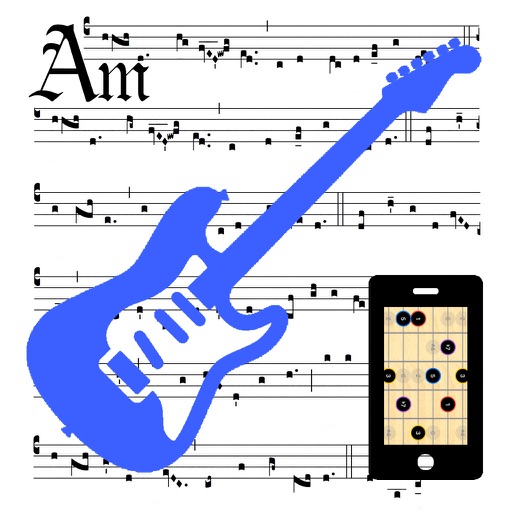
View guitar scales on a virtual neck with adjustable base notes and note labels. Customize tuning settings including Drop D or user-defined tunings. Zoom in and out of the neck for detailed scale visualization.
Stream music from over 80 live and blues radio channels. Add favorite stations and adjust volume. Use 9-band graphic equalizer with predefined setups. Auto-replay last channel on startup. Control playback from headphone buttons. Run in background.
The app identifies chords by selecting two or more notes. It offers extensive chord databases and allows users to hear chords played as block chords or arpeggios.
Practice identifying , , and intervals through interactive exercises. Train ear to recognize melodies and chord progressions. Play accompaniment on guitar or piano. Track progress with built-in exercises and scales.