Send distress signals via using a keyboard or pre-set SOS sequence. Transmit signals through iOS device audio. Translate text to and vice versa. Access emergency communication features with one-touch activation.
A with three modes: torch, light, and strobe. Adjust brightness manually or automatically. Lock the screen to prevent accidental closure. Features quick startup and high-quality graphics for older iOS devices.
Converts text to for messaging. Uses flashlight or screen to send signals. Includes a decoder for receiving messages. Supports letters, numbers, and symbols. Allows custom message creation and playback.
Learn Code using the Koch Method and Farnsworth spacing. Track progress with graphs and results. Practice sending and receiving code. Set training sessions and review speed. Adjust difficulty based on performance.
Provides functionality with adjustable brightness for rear and front lights. Includes mode for visibility in low light or events. Features Morse code transmission for communication.
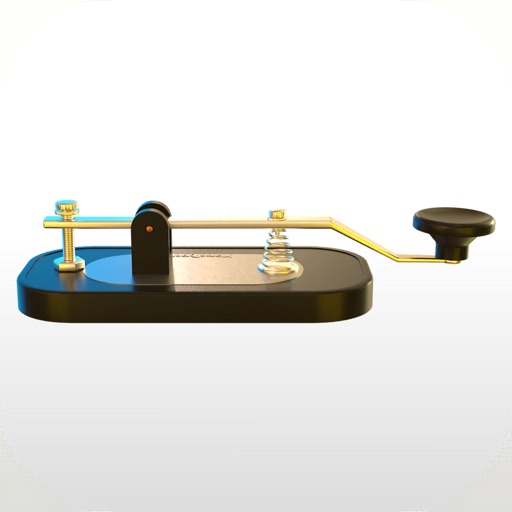
Record code messages by tapping the key. Send recordings via the broadcast icon to friends. View realistic images and learn code through integrated lessons. No translation or interpretation features are included.
Translate text to with customizable speed and color. Send messages via email. Supports letters, numbers, and special characters. Blink iPhone light to transmit signals.
Learn and practice with interactive drills for each letter. Track progress and repeat exercises for reinforcement. Use the included keyboard to input within any application.