Apps Like Cut paste for create stickers for iPhone and iPad
Edit photos, collages, swap faces
Photo montages, collages, and custom . Edit images by erasing, changing, or adding backgrounds. Cut people from photos and place them on new images. Add personal photos and decorate with fun .
by Isabel Zaballos★ 4.538 ratingsEntertainmentFreeData updated 2026-09-11
Select photos from gallery or photo library. Choose from numerous PIP frames. Use single image for both foreground and background or different images for each. Edit foreground and background separately. Apply photo filters.
Edit photos with typography, stickers, and artwork. Apply filters and effects. Add overlays, masks, and drawing tools. Create collages and share to social networks. Includes textures, borders, and patterns.
Edit photos with AI-generated portraits and enhancement tools. Remove objects, people, or blemishes from images. Reshape body features using a realistic body . Adjust clarity and sharpness to improve low-quality photos.
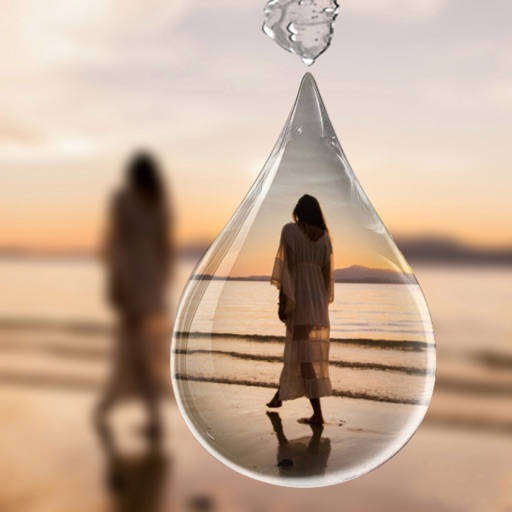
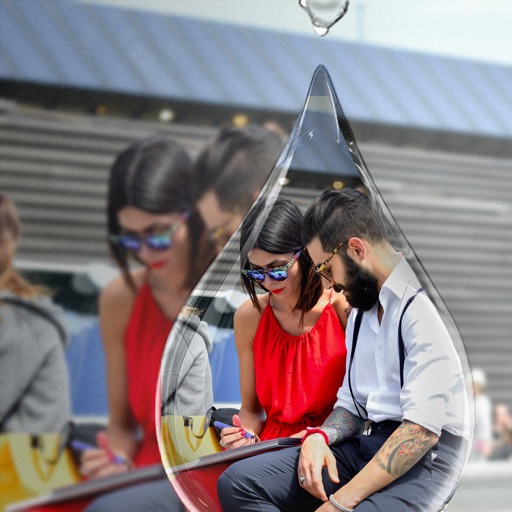
Edit photos with PIP frames, collages, and creative layouts. Add crystal bottle patterns and cartoon styles. Share edited photos directly to social media. Adjust brightness, contrast, and colors. Crop and rotate images.
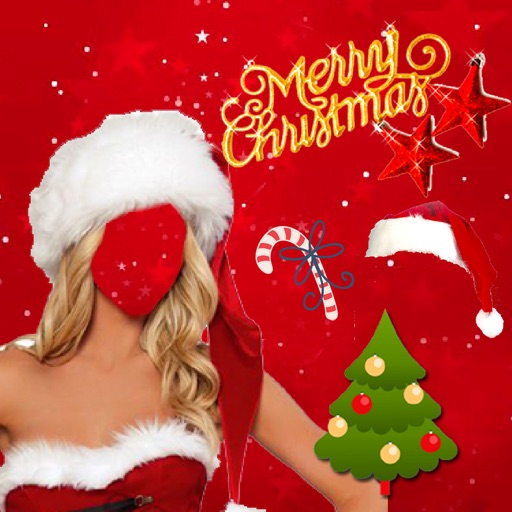
Take photos or choose existing images. Adjust and crop the photo. Add holiday-themed objects like hats, trees, and glasses. Apply Christmas-themed effects and frames. Share the edited photo on Facebook, Twitter, or via email.
Remove with automatic portrait recognition or brush matting tools. Choose from multiple shape options for precise masking. Add color line strokes to edited areas. Export modified images directly.
Edit photos with , , and collage tools. Create montages and custom collages. Adjust brightness, contrast, and saturation. Add text and stickers. Share edited images directly.
Edit photos with AI-powered object removal and background blur. Generate from text using AI. Adjust colors, brightness, and contrast. Add filters and effects. Crop and resize . Share edited photos directly to social media.
On an with multiple colors and add typed text to illustrations. Erase or delete drawings. Choose background colors for the . Save creations and share via email or Facebook. Additional markers and backgrounds available in the complete version.
Create photos without cropping. Edit images with filters, backgrounds, and layout adjustments. Make photo collages using hundreds of layouts. Share high-quality photos to social media platforms. Adjust ratios and add text for customization.
Edit photos with filters, effects, and backgrounds. Create collages and layouts with ready-made designs. Crop and mirror images for social media. Add text and frames. Share edited photos directly to WhatsApp and Instagram.
Create animated from videos, live photos, or continuous shots. Automatically rotate photos. Edit and customize . Share directly with friends or social media platforms.
Create collages with 106 adjustable layouts and 31 irregular designs. Choose from 18 frames and 36 backgrounds. Customize borders with color and shape. Edit photos using a built-in PRO editor.
Backgrounds from photos using AI. Upload images from Camera Roll, tap to automatically. Export edited images or add animated backgrounds for social media and e-commerce platforms.
Edit photos with , , and collage tools. Create and custom layouts. Adjust brightness, contrast, and saturation. Add text and stickers. Export and share edited images.
Create slideshow videos by selecting templates, adding photos or videos, and applying transitions, animations, and effects. Customize with stickers, fonts, and music. Share directly to social media platforms or save to camera roll.
Create montages by placing your in photos. Add to images. Select photos from the gallery or capture new ones. Share finished montages via social networks or messaging apps.
Edit photos with effects, filters, and customizable stickers. Blend images and add 3D or overlays. Crop photos and draw on them. Apply frames and borders. Use a custom camera to capture and enhance images.