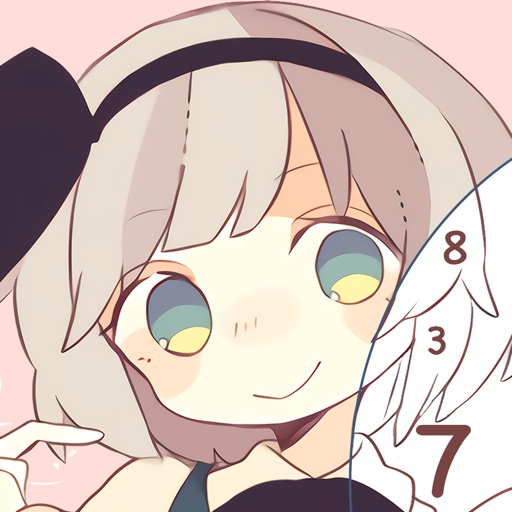
Allows users to based on numbers to create artwork. Select colors and apply them to numbered sections. Save and share completed drawings. Track progress and revisit previous creations.
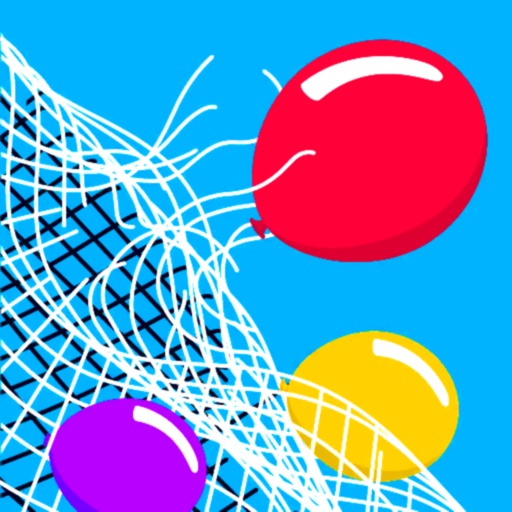
Play by slicing balloons into matching baskets. Navigate through dozens of levels with puzzle and arcade elements. Adjust cutting difficulty between smooth and hard. Use -based mechanics to guide balloon falls.
Book allows children to color pages featuring animals, vehicles, and objects. Includes interactive games to develop fine motor skills and shape recognition. Features sound effects and simple navigation for young users.
Coloring by numbers lets users select images and fill in colors to create artwork. Features include choosing from themed pictures like travel, animals, and mandalas. Users can paint directly on the canvas and save their work.
Educational for preschoolers offers tracing activities with glowing letters and numbers. complete outlines to animate drawings like butterflies and rockets. Includes 100+ templates for creative play and learning.
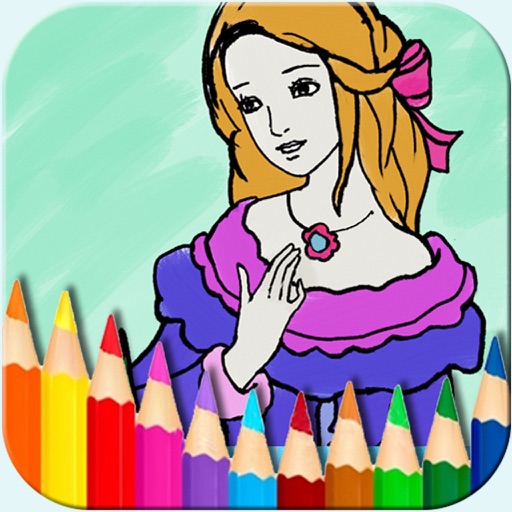
The app offers a digital coloring experience with over 150 free princess and fairy pictures. It includes 10 brushes for drawing and painting, and a movie feature to record and replay drawings as animation clips.
Explore educational featuring and the . Learn through interactive activities that teach colors, numbers, shapes, and letters. Play that involve matching, sorting, and problem-solving. Track progress across different skill levels.
Learn , , and sizes through interactive rides. Create cotton candy in various and . Match balloons by color and size. Seat teddy bears on rides. Engage with Baby Shark characters for educational play.
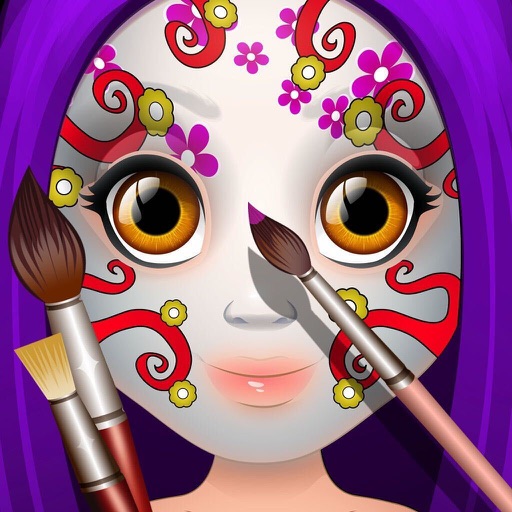
Create paintings by selecting colors or designs, then applying them to a character's with a finger. Choose from sparkly, gold, and silver paints. Customize characters and save or share creations.
Create and customize drawings using a variety of colors and brushes. Access categorized pages with detailed patterns. Save and share completed artwork. Adjust brush size and opacity for precise .
Solve logic puzzles by tapping tiles to reveal hidden images. Choose from two zoo scenes with 80 puzzles in various sizes. Use logical deduction to fill or break tiles and complete each artwork. Purchase additional puzzles via in- purchase.
Children can draw and color using 8 different brushes including crayon, pencil, paintbrush, paintball, chalk, sponge, stickers, and stars. They can choose from over 100 pages. The includes fun effects, sounds, and stickers to enhance creativity.
Create glowing art by applying effects to photos or existing images. Adjust brush size and glow intensity. Save creations to the Photo Library. Email postcards globally. Use multiple undo levels and mix colors for custom palettes.
Create paintings using brushes and sprays. Adjust colors and customize settings. Save and share artwork directly. Import images for reference. Use layers to organize different elements.
Draw and animate shapes, words, or objects with touch or drag gestures. Create dynamic, physics-based animations with varying strokes and speed. Save or share artwork. View sample art displays.