Create custom wallpapers with scaling and resizing options on various backgrounds. Choose from color, gradient, pattern, bokeh, and text effects. Apply parallax effect for all iPhone and iPad devices.
Create and edit celestial and landscape photos with advanced tools. Capture and adjust exposure, color, and composition. Add overlays and effects. Share edited images directly from the .
Apply to photos with one tap. Choose from Gaussian or zoom styles. Adjust intensity and area of focus. Export edited images in various formats and share directly.
Edit photos by highlighting colors, removing or changing backgrounds, and blurring specific areas. Use healing and smoothing tools for precise adjustments. Create photo montages and export edited images directly.
Automatically detects subjects and backgrounds to create bokeh effects. It applies Gaussian, motion, or zoom blur. Built-in filters enhance photos. No manual object selection is required.
Calculate film exposure and depth of field with built-in calculators. Access an online contact directory for industry professionals. Find labs for film processing and technical support. Track project details and manage film-related data.
Adds depth effects to portraits using neural network technology. Adjusts background blur manually for precision. Offers multiple blur settings to customize the artistic effect.
Calculate depth of field and hyperfocal distance based on camera type, aperture, focal length, and focus distance. Display near and far limits, total depth of field, and distances in front and behind the subject.
Auto-focus and exposure adjust automatically for portraits. AI enhances depth and background blur. Use Photo Coach for real-time guidance on composition and technique. Edit photos with filters, cropping, and adjustments.
Remove unwanted objects, text, or backgrounds from images or videos. Use finger gestures to select areas for deletion. Automatically blend removed sections with surrounding content for seamless results. Edit both static images and clips.
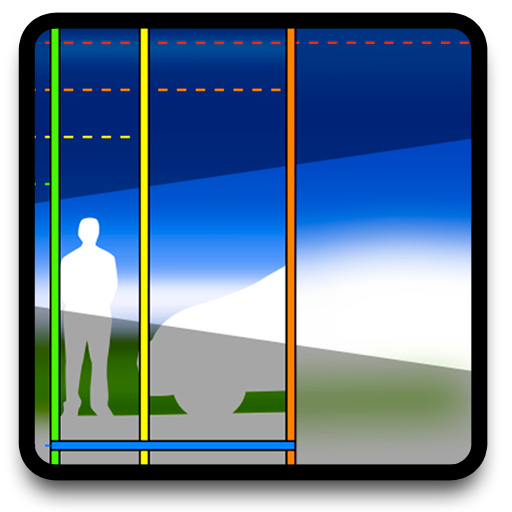
The app graphically illustrates depth of field and field of view for SLR cameras and lenses. It allows users to explore aperture, focal length, and focal distance with real-time controls and configurable information overlays.
Edit photos with AI-powered background removal and erasure. Refine edges manually for precise results. Enhance image quality and create professional-looking photos without design skills.
Capture with real-time live effects and color presets. Apply adjustable effects and enhance colors simultaneously. Use screen flash for better results in low light. Share directly from the .