Apps Like SpeedoMeter GPS - Odometer for iPhone and iPad
Track speed, distance, and trip time
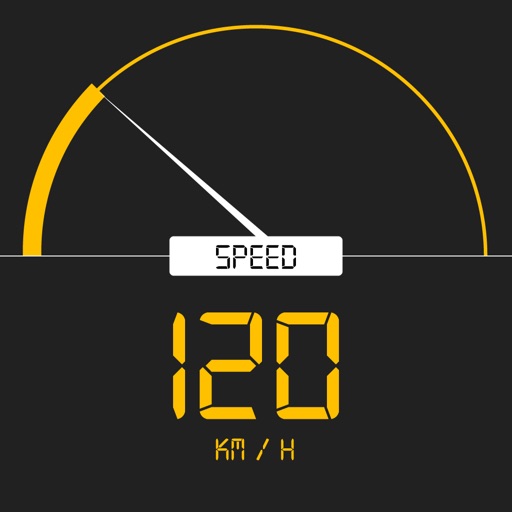
Tracks current, maximum, and average speed using GPS. Displays speed in analog and digital formats with colorful LED. Records distance traveled and trip time. Functions as a trip meter and for vehicles, walking, running, biking, and boating.
by G Sanghani★ 4.84 ratingsNavigationFreeData updated 2026-09-11
Guide users to align dishes using GPS for accurate direction. Display positions and help locate the signal. Provide step-by-step instructions for dish installation and signal optimization.
Track elevation and climb rate in real-time. Calibrate altitude settings and check GPS accuracy. Send location links via SMS for easy sharing and navigation assistance. View maps in web browsers for location tracking.
Monitor vehicle performance with real-time gauges and graphs. Track fuel efficiency to reduce gas costs. Diagnose issues by accessing the onboard ECU. View trouble codes and system data. Save diagnostic information for later review.
Navigation allows users to view and share GPS coordinates in six formats. It includes a , altitude, distance, and sunset/sunrise tracking. Users can set and edit waypoints with photo or audio notes.
Displays speed and direction on the windshield via iPhone placement. Tap to switch between mirrored and un-mirrored views. Tap MPH/KPH button to change units.
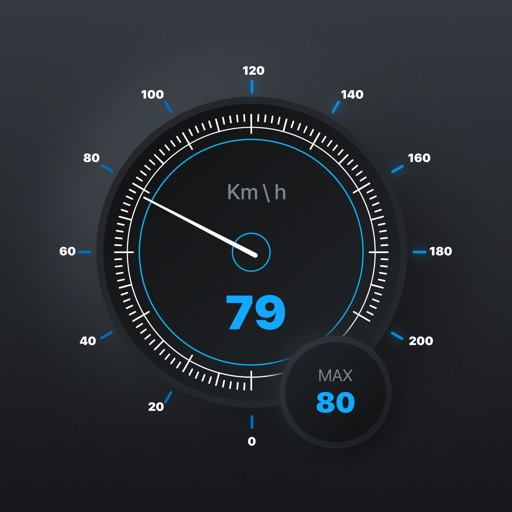
Real-time monitoring displays current via a virtual dashboard. Set limits to receive alerts. Track driving history and statistics. Share trip data with others. Syncs with iPhone for accurate GPS readings.
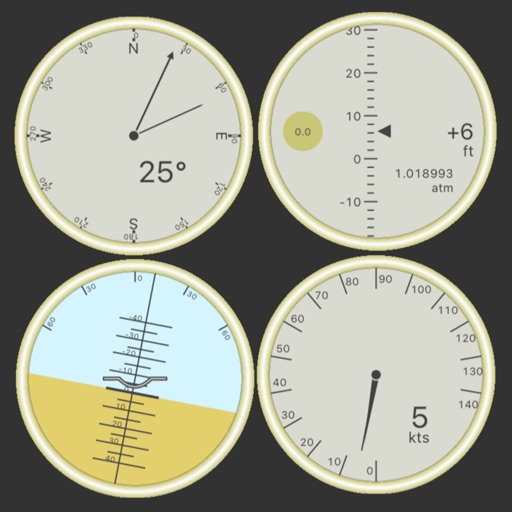
Customize dashboards with configurable gauges like speedometer, odometer, GPS altimeter, barometric altimeter, accelerometer, artificial horizon, compass, and elapsed time. Swipe to switch views and access real-time sensor data from iPhone or iPad.
Track cycling speed, distance, and route in real time. Choose from three display modes: digital, analog, or map. View ride history and manage past rides. Automatically stop the timer when movement stops. Swipe to navigate between screens.