Calculation allows users to perform scientific computations with trigonometric and inverse trigonometric functions. Users can toggle between degree and radian modes. Expressions and results can be copied with a double tap.
Documents and create PDFs with one tap. Edit text, add comments, and annotate pages. Convert files to PDF and export in multiple formats. directly via , iPrint, HP Smart, Canon, Epson, Brother, and more. Share documents via email or cloud services.
The app records every calculation step, allowing users to modify any step and recalculate without re-entering data. It functions like a printing calculator with a paper tape history for clarity and ease of use.
Lets users documents directly their mobile device. Connect to printers, adjust settings, and manage jobs. Scan documents using the camera and them instantly.
Manage files with a total . Switch between tasks using 3-finger swipes. Transfer files via USB quickly. Share files via FTP, HTTP, or WebDAV. Edit and view files directly within the . Support for Dropbox integration.
Display a full-screen analog with customizable dial, index, and hands. Choose from 6 standard face types or purchase additional options. Select from 6 index styles including Roman numerals and triangle designs.
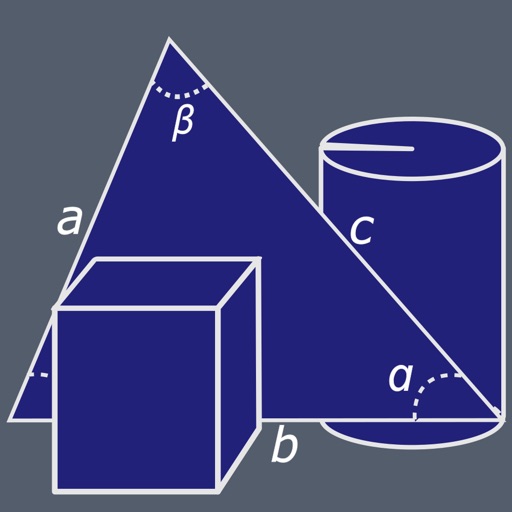
Solve triangles with two modes. Regular triangle mode allows input of 2 sides and an angle, 2 angles and a side, or 3 sides. Right triangle mode accepts 2 sides or a side and an angle. Calculates missing values based on input.
Files between devices and cloud storage services including iCloud Drive, Dropbox, Box, OneDrive, and Google Drive. Connect to FTP/SFTP/FTPS servers with username/password or private key authentication.
View PDF documents in landscape, portrait, or multi-window modes. Adjust layout to view one page at a time. Support for 18 global languages including English, French, Arabic, Japanese, Russian, German, Italian, and Spanish.
Solve problems with step-by-step solutions. Input equations for automatic solving and animated explanations. Access over 1,000 sample problems. Use scientific and graphing calculators. Track progress and review detailed solutions.
The app allows users to create geometric shapes and explore their properties. It includes tools for drawing, annotation, and transformations, with automatic metric calculations and snapping features.
Automatically detects and hides private text in images. Users can edit photos to remove sensitive information like phone numbers and addresses. Adjust redaction areas and export edited images for sharing.
Convert photos to PDF pages by selecting up to 20 images from the gallery or iCloud. Choose from 40 standard page sizes or add a custom size. Rearrange and crop photos within a customizable layout. Export the final layout as a PDF for printing.
Plus provides arithmetic and scientific calculations with live expression preview and error detection. Perform operations in exact form, fractions, and scientific notation. Switch between standard and scientific modes. Share results directly.
Create and edit , spreadsheets, and presentations. Open and view PDFs and Apple files. Save and sync files to cloud services like Dropbox, Box, iCloud, or Nextcloud. Collaborate in real-time with others. Export files in multiple formats.
The app provides guidance for solving algebra homework and textbook problems. It includes over 1200 sample problems with animated solution steps and supports scientific and graphing calculators.