
iTransfer - File Transfer Tool
Upload and download files securely
ComcSoft Corporation
iPhone Screenshots



Description
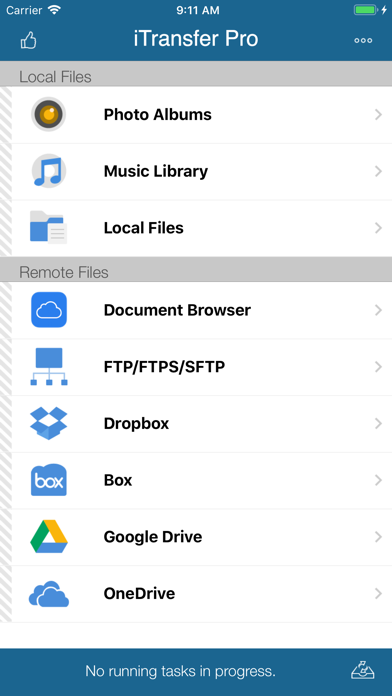
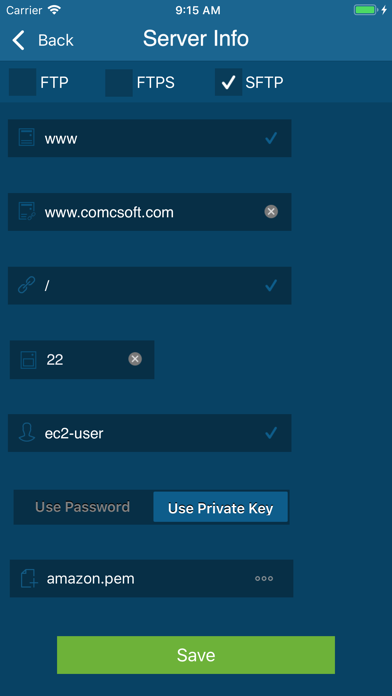
Files between devices and cloud storage services including iCloud Drive, Dropbox, Box, OneDrive, and Google Drive. Connect to FTP/SFTP/FTPS servers with username/password or private key authentication.
No. 1 App for file upload/download on iPhone/iPad! Most secure file download/upload tool for business and professional users.
Supported features include:
1. Download files from your iCloud Drive. Save local files to iCloud Drive.
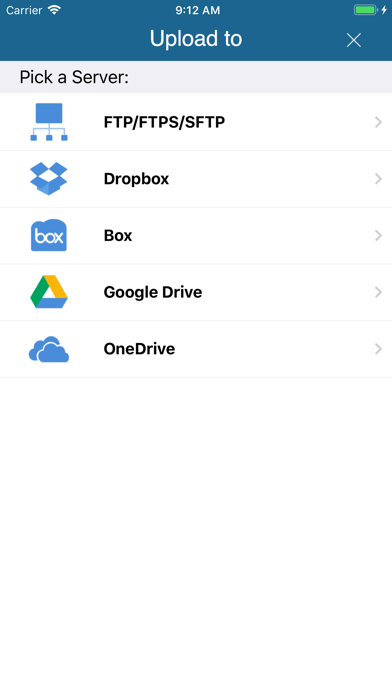
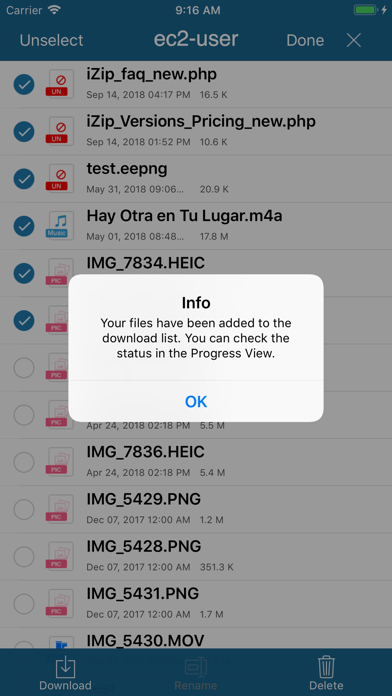
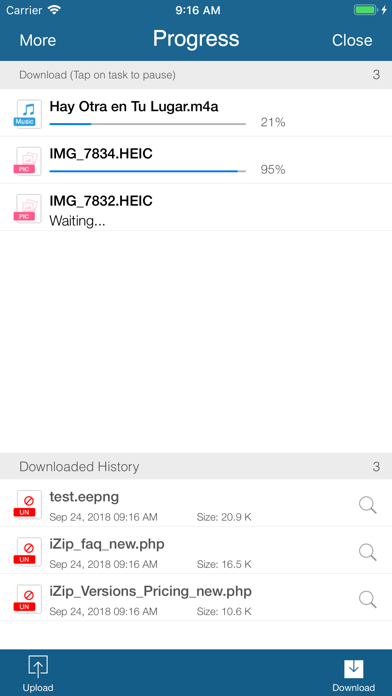
2. Upload/download files to/from FTP/SFTP/FTPS servers.
3. Upload/download files to/from DropBox, Box, OneDrive, and GoogleDrive.
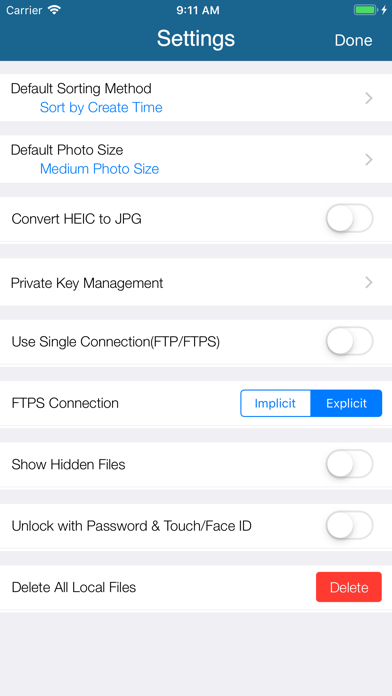
4. Support both user name/password and Private Key authentication for SFTP. Support both PPK and PEM keys. Support importing keys from/exporting keys to iCloud Drive under iTransfer/keys folder.
5. Email files.
6. Manage files, including adding a folder, searching, renaming, moving or deleting files.
7. View supported files, including: PDF, DOC, EXCEL, PPT, image files, TXT, etc.
8. Open files using other Apps through “Open in”.
9. Play photo slideshows.
10. Support launching with a password.
11. Print documents.
12. Share photos on Facebook, Twitter and Weibo.
With its simple interfaces, iTransfer provides the easiest way to transfer files on iPhone and iPad.
If you have any questions, please visit: http://www.comcsoft.com/Portfolio/our_apps/iTransfer/iTransfer_overview.php.