Create vector artwork on iPad with precise drawing tools. Align objects to grids, paths, or points. Scale and rotate multiple objects in real time. Use masks to cut out elements from artwork or photos. Position text at any angle or along paths.
And on your Apple Watch with customizable brush sizes and blur radius settings. Access a large color palette and save or undo changes. Delete drawings as needed.
Create art with layers, animation, and onion skinning. Import color palettes from Lospec or use built-in options. Zoom with pinch, draw with tap, and view mini-previews while dragging. Sync with Aseprite for file transfer.
Provides access to over 2000 , fonts, textures, palettes, and 3D models for . Includes weekly updates. Allows one-click installation for on iPad and Pocket on iPhone. Offers tools for professional and beginner artists.
The app offers multi-layer functionality for creating and saving images. It includes over 100 types of brushes with adjustable parameters and familiar preset tools for drawing and editing.
Create mood boards and organize reference images with smart asset management. Pick precise colors and collage freely. Edit across iPhone, iPad, and macOS with unlimited canvas and batch processing.
Create and customize designs using model templates and fabric options. Add accessories and details to outfits. Export designs in various formats and share them directly.
Create art with interactive brushes like slime, tie-dye, and fire. Design with mini games such as Friendship Bracelet Creator. Use art history themed stickers and seasonal holiday packs. Choose from 150+ colors including pastels and neons.
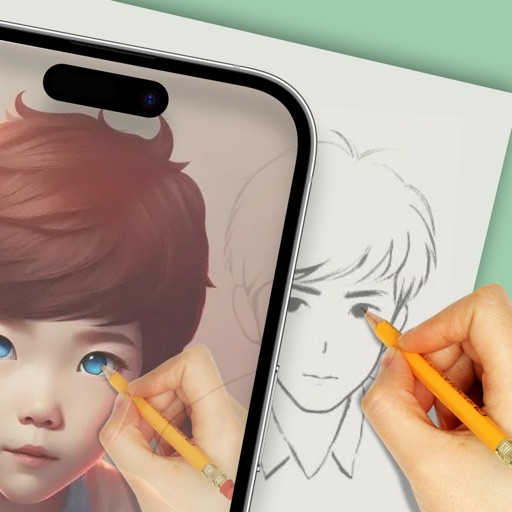
Use augmented reality to draw on any surface. Create sketches with AI-assisted tools. Select and customize NFT images from your phone gallery. Export drawings in various formats. Share artwork directly from the .