Add timestamps, dates, and captions to photos and videos. Include custom logos as watermarks. Organize and share media with editing tools. Verify media accuracy with added metadata.
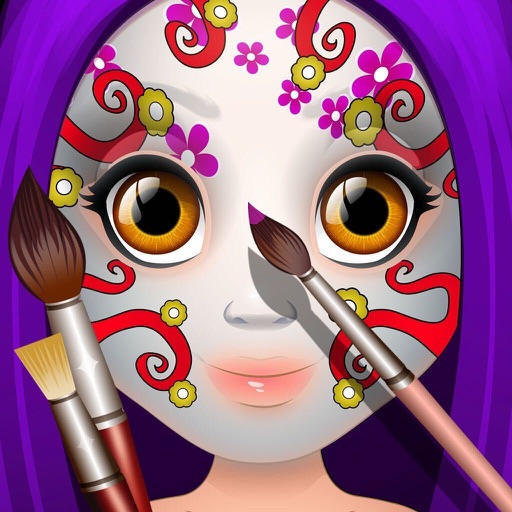
Create paintings by selecting colors or designs, then applying them to a character's with a finger. Choose from sparkly, gold, and silver paints. Customize characters and save or share creations.
FITNESS TRAINING GLOBAL ONE MEMBER COMPANY LIMITED
Sketch with AR and AI
AR – Project sketches onto real-world surfaces using augmented reality. objects for precise outlines. AI-powered tools suggest color palettes and brush strokes. Edit layers, adjust opacity, and apply effects.
Create kaleidoscope patterns by swiping fingers across the screen. Adjust the number of lines and line color. Use multi-touch for advanced control. Save generated artwork to the device's Camera Roll.
Create digital artwork using drawing tools and customizable templates. Access categorized sketch ideas for different skill levels. Save and share drawings directly. Adjust brush settings and layer options for detailed artwork.
Read and annotate PDF documents with highlighting, commenting, and note-taking features. Collaborate in real time with others through integrated chat. Export and share files directly. Sync with cloud services for seamless access across devices.
Create digital art using tools like paper, brushes, pencils, pens, and markers. Adjust brush pressure and opacity. Layer artwork and apply textures. Export in various formats and share directly.
Create and animate drawings with a variety of painting tools and brushes. Record and share artwork as videos. Use a whiteboard for tutorials and pitch recordings. Access symmetry and guides for precision. Export creations in multiple formats.
Create illustrations, logos, and UI designs with precise drawing tools. Import and edit graphics. Organize projects in workspaces. Export in multiple formats. Collaborate in real-time with others. Adjust colors, shapes, and layers.
Learn to draw cartoon characters starting with simple shapes like circles and rectangles. Follow step-by-step guides to color line drawings using various brushes. Access templates for food, fairytale characters, and more.
Record and organize ideas with sketching, writing, and note-taking features. Sketch digitally, add text, and collect visual references. Sync across devices and access projects anywhere.
Take notes and sketch ideas with natural pen-like ink. Resize and reposition elements with finger gestures. Organize thoughts by rearranging concepts visually. Sync notes across devices and export in various formats.