Learn letters, sounds, and syllables through games
Learn basics through interactive games and activities. Study alphabet cards with colorful visuals. Practice writing letters by drawing them. Create words using letter tiles. Identify vowel and consonant sounds. Count syllables in words.
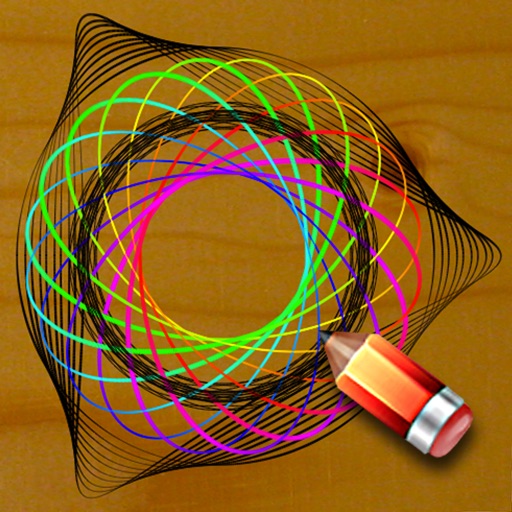
Practice handwriting, draw spirals, strengthen motor skills
Practice handwriting with customizable drawing tools. Adjust painting speed for different skill levels. Use varied colors, thickness, and calligraphy effects to enhance motor skills and penmanship accuracy. Track progress through repeated exercises.
Learn ABCs and phonics through interactive puzzles, tracing activities, and matching games. Explore animated characters and sounds. Build spelling skills with word-building exercises and simple reading games.
Edit and navigate handwritten documents with vector drawing tools. Organize files using Apple's document browser. Sync with iCloud and other cloud services. Save in open SVG format for compatibility with other vector graphics software.
The app teaches number recognition and writing from 1 to 20. It guides users through tracing numbers with visual cues and animations, featuring a talking kitten character.
Teaches through structured steps. Guides children to write each letter with visual prompts. Includes exercises for tracing and practice. Provides instant feedback on letter formation. Tracks progress over time. Offers audio support for pronunciation.
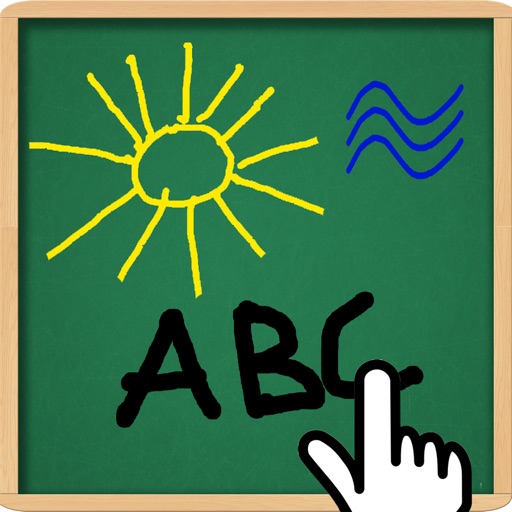
The app allows users to draw and write on their iPad, functioning as a notepad or blackboard. Users can add typed text, choose background colors, and save or share their creations via email or social media.
The app helps users learn the Gurmukhi script for reading, writing, and speaking Punjabi. It includes interactive features like a drawing board, matching games, and quizzes to reinforce learning for beginners and children.
Create with an infinite canvas for spatial thinking. Draw connections between ideas. Organize content through hand-drawn sketches and text. Export in multiple formats and share directly.
Create video screencasts by combining handwritten notes, voice recordings, and images. Annotate and sketch with smooth ink. Resize and move elements freely. Share videos directly with others.
Teaches children to correctly using animated step-by-step guidance. Features include drawing animals, flowers, and fantasy characters. Includes difficulty levels with assisted drawing to focus on stroke order and direction.
Learn characters with pictures and handwriting support
Learn characters through visual association and interactive writing. Practice handwriting with real-time feedback. Complete themed missions and games. Review vocabulary with spaced repetition. Access over 3000 words offline.