Remove unwanted backgrounds and create precise photo cutouts using the Pen Selection Tool. Edit images with advanced selection features. Export edited photos in high quality. Sync with desktop software for professional workflows.
by Tinkerworks Apps★ 4.5616 ratingsPhoto & Video$2.99Data updated 2026-10-19
The app offers tools to transform photos with color splash effects, including sepia and cyanotype tones. Users can add frames, use custom cutouts, and adjust colors for vibrant results.
Edit videos by trimming, cropping, and rotating. Merge multiple video files into one. Add or remove audio tracks. Adjust play speed. Use undo, redo, and history features. View and play videos directly. Supports Retina display.
Edit videos by trimming, cropping, and rotating. Combine multiple video files into one. Add or remove audio, adjust play speed, and undo or redo edits. View editing history and play videos directly. Supports Retina display.
Edit photos by swapping faces into scenes and posters. Search for movies or TV to find swap-ready images. Adjust facial features for seamless integration. Save and share edited results directly.
Edit photos by adding colors to specific areas. Use shape to highlight sections with desired shapes. Apply filters, adjust colors, and use brush tools. Undo and redo changes. Export edited photos in various formats.
Create collages and stories with customizable layouts and pre-made templates. Layer images, edit photos, remove backgrounds, and add text. Use AI tools to enhance edits and design from scratch or choose from 400+ templates.
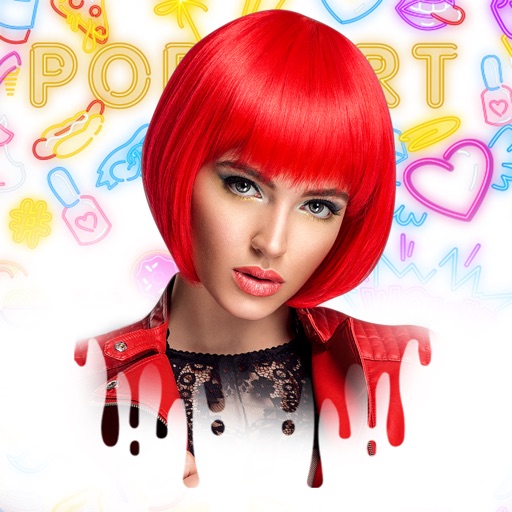
Create art effects with one-click auto generation. Edit photos with filters, cutouts, background erasing, and changing. Blur images and adjust colors. Share edited photos directly to social media.
Remove backgrounds from product photos using AI. Retouch images with one tap. Change backgrounds automatically based on product type. Export edited photos for online marketplaces. Adjust colors and brightness for professional results.