Apps Like Graphing Calculator AR for iPhone and iPad
Graph functions and visualize equations
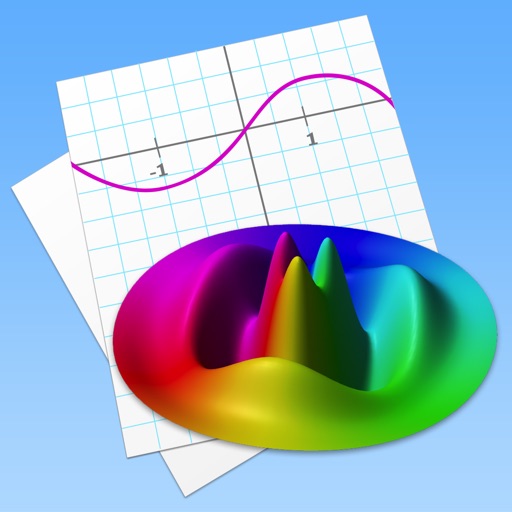
Allows users to plot functions, implicit relations, and parametric curves. It supports 3D graph visualization in AR. Features include inequality plotting, vector fields, and coordinate transformations.
by Ron Avitzur★ 4.141 ratingsEducationFreeData updated 2026-09-11
Solve equations by photo or manual input. Provide step-by-step explanations for and calculus problems. Offer accurate solutions and teach mathematical concepts for self-guided learning.
Study flashcards with customizable questions and answers. Review progress with statistics and spaced repetition. Create and share flashcards with classmates. Solve math problems with step-by-step explanations.
With history tape, real and complex number support, angle modes including radians and degrees. Calculates astronomical constants and supports minutes, seconds, and grads.
Create and test mathematical algorithms with a powerful computational engine. Build interactive plots and animations. Execute code and view results in real-time. Share calculations and export data in multiple formats.
Graphmatica allows users to plot Cartesian, polar, parametric, and differential equations. It supports data plotting and curve-fitting. Users can graph up to 999 equations simultaneously.
Graph functions, equations, and curves in 2D and 3D. Calculate derivatives, integrals, and roots. Create tables of values and solve equations. Construct and analyze polygons, circles, and conics. Use Augmented Reality to explore 3D objects.
A a log of all calculations. Displays input equations and results clearly. Includes backspace function. Allows adjustable keyboard size and number font size. Supports customization of decimal places, font size for , and display format.
Solve math problems step by step with detailed explanations. Access subject-specific tutorials for calculus, physics, and chemistry. Track progress with personalized plans. Receive instant feedback on quizzes and assignments.
Record high-quality uncompressed WAV using a built-in microphone or connected Shure microphone. Edit recordings with trim, split, fade curves, and markers. Save files in compressed formats. Adjust gain up to 36 dB and use preset or custom modes.
Take a photo of a problem to get step-by-step solutions. View AI-animated videos to understand concepts. Solve equations, simplify expressions, and check homework. Access instant explanations and interactive examples.
Solve math problems by snapping, typing, or speaking them. Receive step-by-step explanations aligned with curriculum standards. Review solutions, ask follow-up questions, and save explanations for later reference.
Solve math problems by capturing photos of equations. Break down solutions step-by-step. Provide explanations and practice exercises. Support algebra, calculus, and arithmetic. Allow users to input problems manually.
Solve problems by snapping photos and receiving instant answers with detailed explanations. Access a history log to review past problems. Get step-by-step solutions for algebra and other topics.
GEDprep AI Tutor offers personalized study plans based on user progress. Users can take tests, receive instant feedback, and review detailed explanations.