Edit photos and videos to create oil paintings using 29 presets and 12 professional tools. Adjust brush strokes and colors manually. Apply AI-generated oil with machine learning enhancements. Export edited content in various formats.
Remove backgrounds from images by drawing a closed curve. Automatically erase similar color areas for transparent results. Adjust brush size for precise edits. Pan, zoom, and rotate images.
Create and share digital art customizable brushes, unlimited colors, and layer support. Zoom, pan, and adjust brush parameters. Rotate, mirror, and undo steps. Participate in challenges like tracing or completing others' drawings.
Create art with hand-drawn illustrations by Olivia De Bona. Choose from 50+ exclusive designs. Use tools to , sketch, and customize images. Save and share completed artwork. Adjust brush size and opacity for detailed work.
Children can freely using a virtual notebook with crayons and brushes. They can sketch shapes, experiment with colors, and create without limits or templates.
Create and customize drawings using various tools like pen, line, arrow, rectangle, ellipse, and eraser. Choose from multiple colors including black, white, red, blue, yellow, and more. Save or share generated images directly others.
Create and color doodles with glow and neon themes. Choose from various coloring pages featuring princesses and accessories. Save and share completed artwork. Relax while engaging in creative and calming activities.
Send messages, doodles, and drawings directly to friends’ widgets. Share sketches, notes, photos, and group messages on their home screens. Customize pen styles, colors, and thicknesses. Add backgrounds, text, and save drafts for later editing.
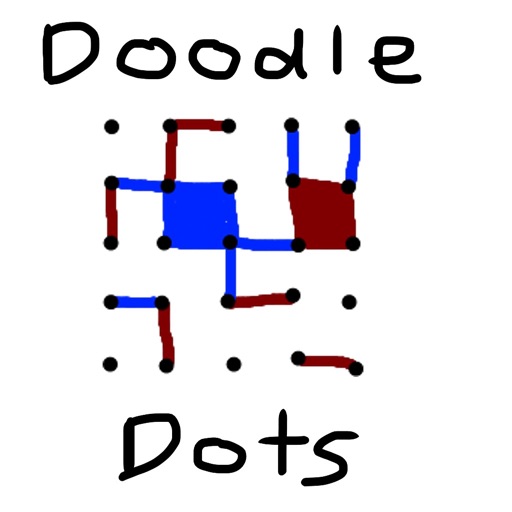
The app provides a digital version of the pencil and paper game Dots. Players connect dots to complete squares, aiming to fill more squares than their opponent.
Edit images by on photos and adding text. Choose from 45 colors and five pen thicknesses. Use zoom editing and undo functionality. Share edited images via email, Twitter, and Facebook.
Edit photos with typography, stickers, and artwork. Apply filters and effects. Add overlays, masks, and drawing tools. Create collages and share to social networks. Includes textures, borders, and patterns.
The app provides custom-designed drawing tools that simulate real art supplies. Users can share their creations or save them for later, with options for interaction through likes and following.
Write with customizable magnets, paper types, and fonts. Add colors and fridge styles for personalized . Save and organize ideas with unique visual elements. Share via email or social media.
Draw with a pen or apply colorful stamps. Tap to change background colors between white and black. Save drawings, erase, or retry. Play sounds when using stamps or drawing lines.
Create -themed with multiple creative options. Select images from gallery or camera. Apply effects for enhanced visuals. Share photos on social media platforms. Save edited images in high resolution.
Learn basics through guided lessons on letter formation and stroke techniques. Practice tracing and writing letters with on-screen tools. Access alphabet guides and stroke exercises to improve lettering skills.