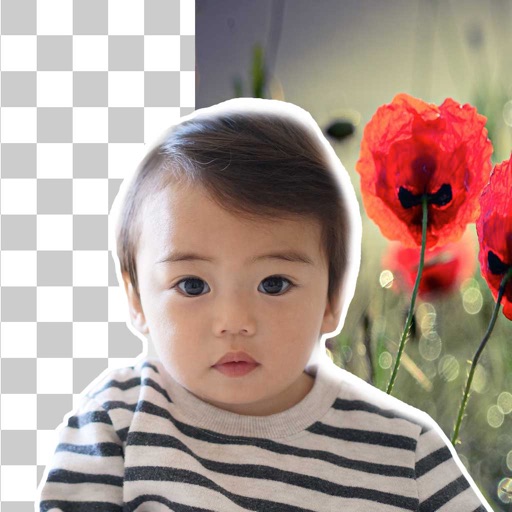
Remove backgrounds from photos using brush tools with adjustable size and hardness. Erase selected areas with undo and redo options. Add text with customizable font and formatting. Place edited photos on various templates.
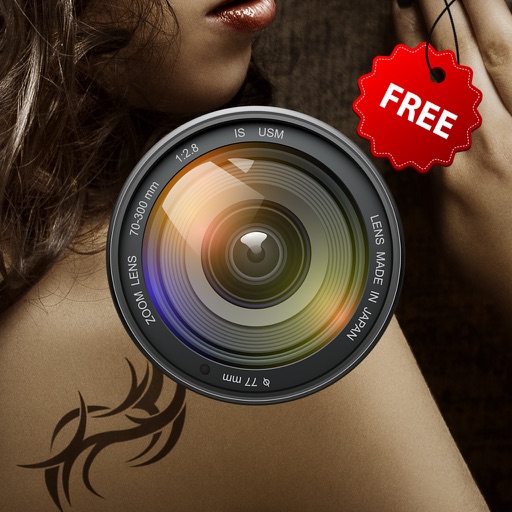
TryTatto allows users to select from a variety of tattoos and apply them to photos or live camera feed. Users can add custom tattoos by importing personal images. The lets them preview designs on body parts and share the results.
Edit photos with color filters, brightness, and contrast adjustments. Add stickers and text. Apply film-inspired presets and advanced camera controls. Export edited images in multiple formats.
Create expressive text art by drawing with realistic brush strokes. Choose from artistic fonts and customize colors and styles. Resize or crop backgrounds to fit designs. Edit text layers by moving, resizing, and rotating.
Create watermarks by adding logos, text, or photos to images and videos. Customize designs with fonts, icons, and colors. Apply watermarks to protect content and enhance brand visibility.
The app allows users to record their screen, including the entire screen or a portion. Users can capture audio from the built-in microphone or system sound and add a watermark.
The app allows users to add text or image watermarks to multiple photos simultaneously. It supports batch resizing, renaming, and conversion to various image formats.
The app displays sphere images and pictures from omnidirectional cameras. Users can view multiple JPEG files side-by-side or import images from 3D CAD for comparison.
Add watermarks to videos to prevent unauthorized use. Apply watermarks to multiple videos at once. Customize transparency, image size, text fonts, colors, and background colors. Protect videos on social platforms and streaming sites.