Record audio and video with separate tracks for multiple guests. Capture high-quality WAV or HD video without requiring an internet connection. Backup recordings to the cloud for secure storage and access.
Turns phone into a high-definition source for OBS Studio. Stream or record virtual events with live video and audio. Supports real-time input for content creation. Integrates with OBS for broadcasting and recording.
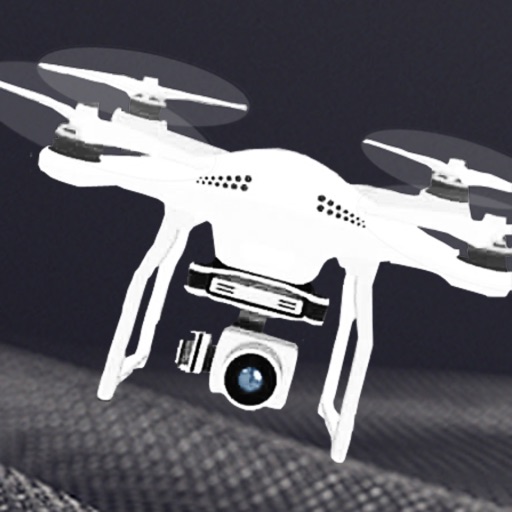
Control drones with intuitive flight interface. Adjust advanced settings for precise navigation. Access Sport and Video Modes for enhanced performance.
View live video feeds from IP cameras using P2P connection. Enter camera ID and password to access. Record video locally. Configure FTP settings. Set email notifications. Enable motion alarm detection.
Control camera devices or drones via iOS devices. View real-time video feeds using 2.4G WiFi. Capture photos and record videos directly from the mobile phone.
Record voice or video and convert to text in real time or from files. interviews, lectures, and meetings. Organize notes with folders and search functionality. Export text as PDF or text file. Sync across devices.
Control a four-axis aircraft using an iOS device. View real-time video from the aircraft's camera via 2.4G WiFi. Capture photos and record videos directly from the mobile device.
Record with one tap, capture high-resolution video without ads or watermarks. Include system audio and microphone input. Edit recordings with trimming, cropping, and effects. Export videos to photo library.
Allows users to create private protected by gesture passwords. Users can take photos and record videos without unlocking the album. The includes a video player supporting multiple formats.
Control a four-axis drone via iOS device. View real-time video feed from the drone using WiFi. Capture photos and videos directly from the mobile phone.
Control Parrot Minidrones via Bluetooth Low Energy or Wi-Fi. Adjust flight settings and view real-time drone status. Access tutorials and flight modes. Connect to drone automatically. View aerial footage and save recordings.
Apply filters resembling imaging in real time. Capture photos with enhanced visual effects. Record videos using iOS screen recording. Adjust settings for filter intensity and exposure. Share edited content directly.
Monitor live video and audio feeds from multiple webcams over WiFi and cellular networks. View and download cloud-stored event backups from iCamSource Pro. Control camera settings and receive real-time alerts for motion or sound detection.
The app offers photo, video, contact, and file sharing between iOS devices. Users can share content from their Photo Library or App Document Directory using Bluetooth or Wifi.
Connect to DashCam via WiFi to access recorded videos and photos. View, share, and annotate footage. Export files for forensic use or backup. Sync with cloud storage for remote access.