Convert files and photos to and from PDF format with simple taps. Select files or images, choose conversion options, and save as PDF. Support multiple file types for easy document management and sharing.
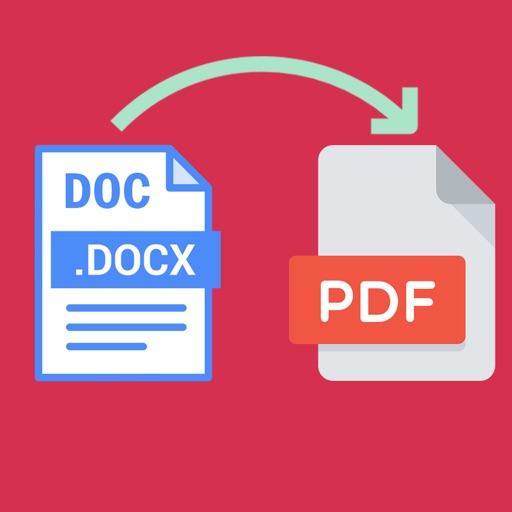
Word documents to PDF with full font support including Unicode, Indian, Arabic, Brazilian, and special fonts. Edit and view PDFs without font errors. Save and share converted files directly.
Convert images to PDF by selecting files and adjusting settings. Edit pages, add text, and save as PDF. Share documents via email or cloud storage. Supports JPEG, PNG, and other common image formats.
Create PDF documents from scanned pages or photos. Edit files with cropping, color adjustment, and text recognition. Reduce file size and add signatures or drawings. Organize documents using a filing system and share files directly.
Convert images to PDF by selecting from gallery or scanning with camera. Combine multiple files into one PDF. Save, share, or print converted documents. Manage files offline without internet connection.
Transfer files between devices and iOS. Backup contacts, camera roll, calendar, and social media data. Sync photos and documents across platforms. Manage files with drag-and-drop interface.
Convert images to PDF by selecting files from your device. Edit images with cropping, rotation, and brightness adjustments before conversion. Save and share PDFs directly or export in multiple formats.
The app allows file transfers to and from an iPhone or iPad. It includes AES file encryption and a built-in file manager for viewing and listening to files.
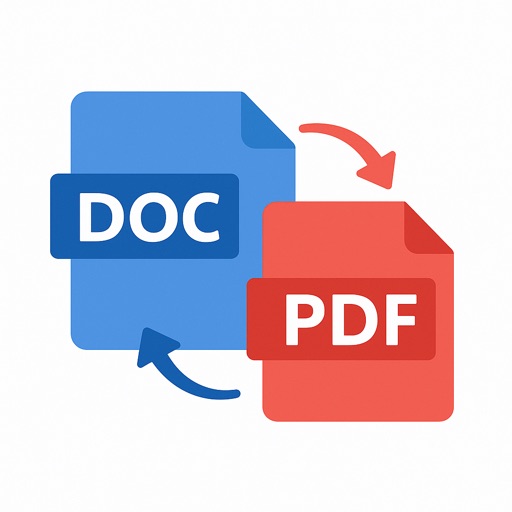
Convert documents, images, and files to PDF and back. Annotate, sign, and edit PDFs. Scan documents into PDFs. Import files from Drive, Files, and Phone Gallery. Export edited files in multiple formats.
The app unarchives files in multiple formats including .zip, .rar, and .7z. It also supports file management through Wi-Fi transfer, iTunes File Sharing, and remote browsing.
Edit text, images, and layout within PDF documents. Fill and sign forms digitally. Merge, split, and reorder pages. Export and share documents directly.