
PDF Photos & PDF Converter
Convert files to PDF and scan documents
Techgear Inc
iPhone Screenshots



Description
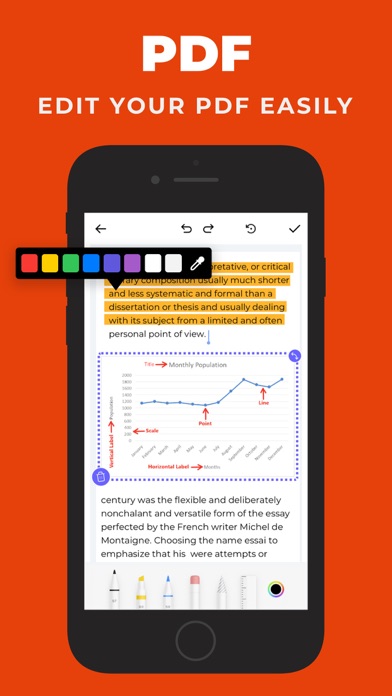
Convert documents, images, and files to PDF and back. Annotate, sign, and edit PDFs. Scan documents into PDFs. Import files from Drive, Files, and Phone Gallery. Export edited files in multiple formats.
Business-Centric PDF Editor & Scanner App
All-in-one PDF editor and scanner tool to convert any files such as images and documents into PDF and vice-versa. The application comes pre-loaded with a rich feature-set and tools such as signing, annotating, etc. With the PDF Editor and Scanner, you can convert your documents into PDFs, PDFs into photos, and vice-versa. Easily import your files from the Drive, Files, and Phone Gallery. The user interface of PDF Converter is very friendly and easy to navigate through. It is an ultimate converter, annotator, scanner, and editor application for iPhone.
Exclusive Features You Get in the App
Document to PDF Converter
Quickly convert any documents into PDFs.
Add your signature to created PDFs.
Browse from a collection of stamps and add to your PDfs.
Convert PDFs as PNG, JPEG, GIF, TIFF, ICO, or WEBP.
Photo to Text Converter
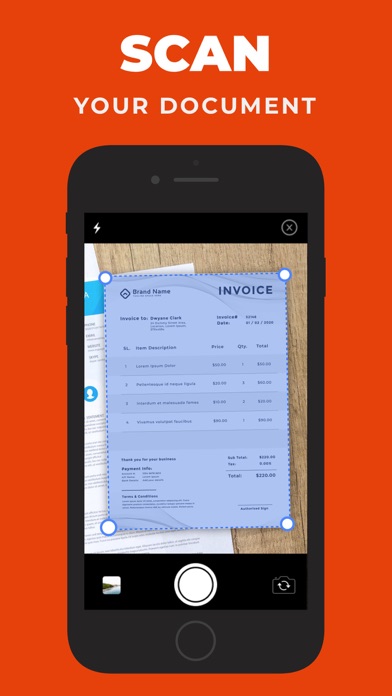
Scan documents with the phone’s camera and convert them into PDFs.
Extract text from PDFs.
Convert PDFs to text
Photos to PDF Converter
Transform your photos to PDFs.
Set the margin and layout of your PDFs
Orientate PDFs to Landscape, Portrait, etc.
PDF to Image Converter
Convert PDF to images in different formats.
Set the margin and layout of your PDFs
Orientate PDFs to Landscape, Portrait, etc.