Adjust audio levels with a compressor and limiter. Control low, mid, and high frequencies with separate knobs. Apply transparent compression to vocals and mixes. Export processed audio files.
Apply convolution reverb using impulse responses from real spaces or hardware. Adjust parameters for decay, pre-delay, and EQ. Blend multiple reverb types. Export processed audio files. Sync with DAWs for mixing and mastering.
The app provides over 1,200 samples, 50 editable programs, and 80 editable sequences. It allows users to record samples using the iPad's microphone, line input, or a multi-touch turntable interface.
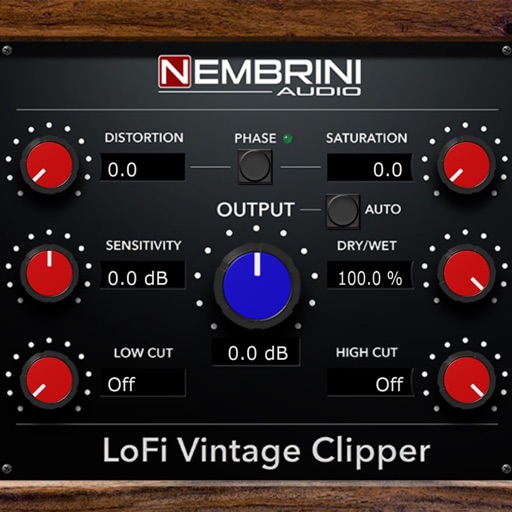
Enhance frequencies with real-time equalization and saturation controls. Adjust low-end resonance and harmonic distortion. Load presets or customize settings. Save and recall configurations. Available as a time-limited demo with reload options.
Allows users to create custom delay signals using three effect racks. Effects can be inserted before, during, or after the delay loop. Users adjust signal flow by selecting and arranging effect modules across the racks.
Rotate cabinet effects to simulate a Leslie speaker. Adjust rotor and horn speeds independently. Mix the two components for pulsing vibrato. Apply to guitars, bass, synths, and vocals.
Edit patches, browse presets, control synth remotely
Control music synthesis with multi-touch patch selection and remote browsing. Edit Patches and Multis wirelessly. Use the Orb for sound modification. Create setups and adjust parameters via iPad. Sync with Mac or Windows Omnisphere software.