Edit photos to create funny cartoons, caricatures, and sketches with 9 styles. Apply filters and adjust details for high-resolution output. Convert videos into clips using live preview or one-tap conversion. Share edited content directly.
Create artworks from photos or videos using styles like , sketch, oil painting, and watercolor. Choose textures such as canvas or paper. Adjust tones and apply filters. Share creations directly from the .
Edit photos with auto enhancement, artistic sketches, beautiful paintings, and funny cartoons. Apply 700+ filters and . Add frames and stickers. Share edited photos directly.
Turn photos into drawings, cartoons, or sketches with one click. Apply 19 effects with full control. Save creations and share via Facebook, Twitter, Flickr, Tumblr, and Email.
Create realistic artwork with pencil, brush, pen, and marker tools. Import images as layers and edit with eraser, ruler, compass, and other tools. Add stickers and use layer management for detailed painting and design.
Create sketches using ink and effects. Preview effects in real time via camera. Adjust settings for optimal results. Capture photos directly within the . Share finished sketches on social media platforms.
Edit facial photos with realistic styles and color customization. Try on various types and adjust colors to match hair. Share edited images directly from the .
On with precise tools. Add text, shapes, and stickers. Insert layers and blend images. Create collages with frames and stamps. Design custom stickers and share directly via iMessage or the .
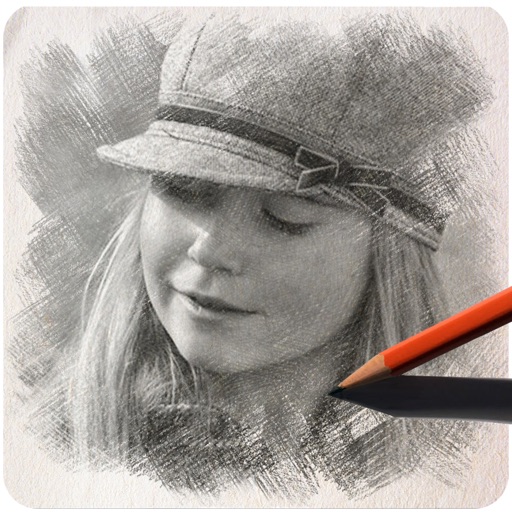
The app generates pencil sketches from photos using the iPhone camera. Users can select images from their gallery or capture new ones to apply various effects like wall paint, comics, and watercolor.
The app converts photos into pencil sketches and offers a collection of coloring pages. Users can select photos from their album or take new ones with the camera to create sketches.
Create digital illustrations with painting, coloring, and drawing tools. Use multiple layers, customize brushes, and mix colors for precise control. Apply textures and save or share artwork directly.
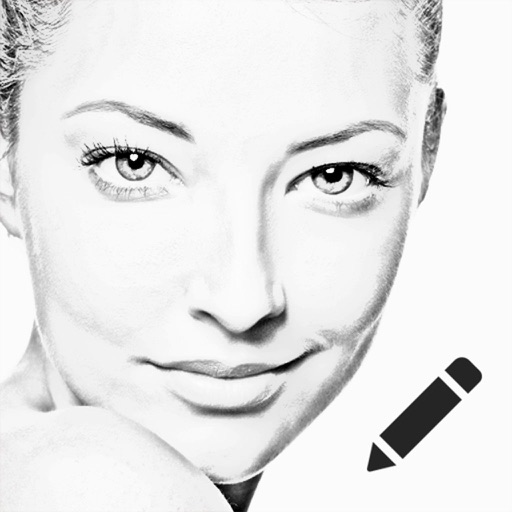
Convert photos to colored or black and white sketches using 7 available effects. Choose a photo from the library or take a new one. Apply a effect and save the result to the device. No internet connection is required.
Apply filters to turn photos into cartoons. Swap faces into video scenes. Adjust age to see future or past appearance. Colorize and enhance old photos. Take MBTI tests to analyze personality traits.
Create drawings with Apple Pencil support. Use grid or lined backgrounds. over existing images. Save square images. Add widgets to showcase drawings on the home screen. Enable multitasking and multi-window features on iPadOS.
Create art with 10 brushes. Adjust brush size and color randomly. Import photos to doodle on. Add drawings to family images for customization. Save and share completed artwork.