Apps Like Ideas - create notes for iPhone and iPad
Edit with text, images, and drawings
And edit with drawing tools, text, and photo insertion. Adjust text formatting, color, and effects. Resize and rotate text and images. Save and share creations via social media apps.
by Mireia Lluch Ortola★ 4.915 ratingsUtilitiesFreeData updated 2026-09-11
Create 3D models by drawing, sculpting, and shaping in immersive space. Use brushes, erasers, and shapes for detailed design. Apply materials with customizable textures and colors. Transform objects by rotating, scaling, and moving.
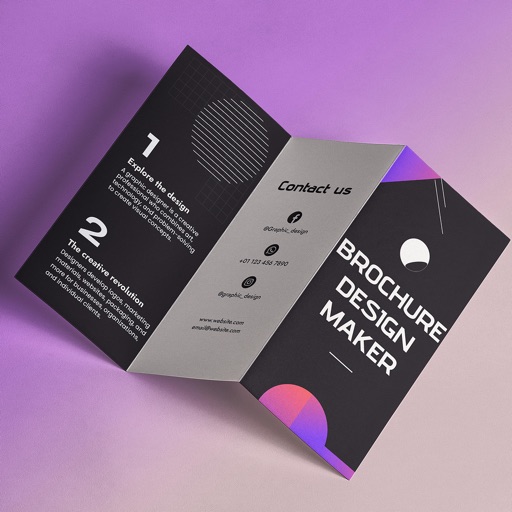
Create brochures by selecting from 2500+ templates across industries like business, travel, and education. Edit layouts, add text, images, and graphics. Export as PDF or print directly. Save and share designs.
Crop and resize images. Adjust brightness, contrast, and saturation. Remove blemishes and red-eye. Add text, stickers, and borders. Export in various formats and share directly.
Create and manage daily construction reports with project setup, voice or text , and photo uploads. Generate reports automatically each day. Collaborate in real time with team and external comments. Document project details and track progress.
Edit videos by extracting from Live Photos and combining with standard videos. Add background music and over 50 transition effects. Trim, crop, and edit text within videos. Share the final video directly.
The app transforms user ideas into posters, flyers, and graphic designs. It offers professional tools with an intuitive interface, allowing users to choose templates, customize layers, and share creations.
The app allows users to create monochrome images from selected or taken photos. It offers 10 photo filters, cropping, moving, rotating, zooming, and text addition capabilities.
The app allows users to combine photos into frames, add stickers, and apply effects. Users can resize, move, and rotate photos to fit frames before sharing them via social media or email.
Apply frames to images. Adjust frames to fit photos. Edit images with special effects. Save and share edited photos. Switch between different frames easily.
Edit laser marking documents with text and vector image tools. Perform actions like move, zoom, rotate, align, and fill. Download vector graphics from the cloud. Transfer edited files to a device via LAN.
Edit photos using adjustable filters for brightness, contrast, saturation, color temperature, highlights, shadows, and color. Add text to images for customization. Preview in real time. Remove previous settings. Save edited photos to the device.
The app merges photos while preserving original resolutions and image quality. Users can freely position, crop, rotate, and resize images on a large canvas, and add text with custom fonts.
Edit photos with filters, cropping, and adjustment tools. Create collages using templates, grids, and layouts. Add text, stickers, and . Share edited photos directly.
Calendar allows users to add customizable calendar widgets to their home screen. Users can choose from various themes and styles, adjust background, text color, and fonts.