Create text designs with advanced typography tools. Choose fonts, adjust spacing, and align text for balanced layouts. Export as images or share directly. No design skills required.
Create slide shows from photos with transitions and background music. Organize images, adjust photo duration, and add personal songs. Share videos on social media or save to the camera roll.
Share photos and videos with friends. Browse a main feed for updates or explore trending content. Post personal updates and engage with others through likes and comments. Discover new people and content without ads or business accounts.
Create realistic artwork with pencil, brush, pen, and marker tools. Import images as layers and edit with eraser, ruler, compass, and other tools. Add stickers and use layer management for detailed painting and design.
Add watermarks to media. Repost photos and as Stories or Reels. Schedule posts for later. Edit captions and generate text. Use AI tools for creators. Add hashtags. No login required. Support iOS 13 Dark Mode.
Two photos to create a double exposure effect. Adjust blending modes and positions to merge images. Apply filters and share results on social media platforms like Instagram and Facebook.
Create custom cards using personal photos. Edit details like name, description, stats, and attacks. Choose type and view in 3D. Save cards to photo library and organize into decks. Share cards on social media directly.
Allows users to videos to GIFs or live photos and vice versa. Trim video duration, adjust playback speed, and crop dimensions. Export converted files in various formats for sharing.
Edit photos and videos into paintings using 31 presets and 12 professional tools. Apply AI-generated effects with machine learning assistance. Adjust colors, brushes, and textures for custom artwork. Export edited media in various formats.
The app transforms static photos into 15-second animated videos. Users can create cinematic motion with drag-and-drop controls and add decorative frames.
Color and draw with Millie Marotta's illustrations
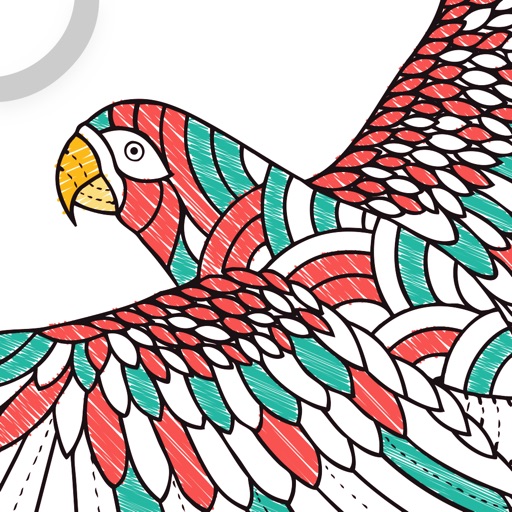
Allows users to explore detailed illustrations of plants and animals. Choose from three themed packs. Use finger or Apple Pencil for drawing. Adjust colors and shades with specialized tools. Save and share completed artwork.
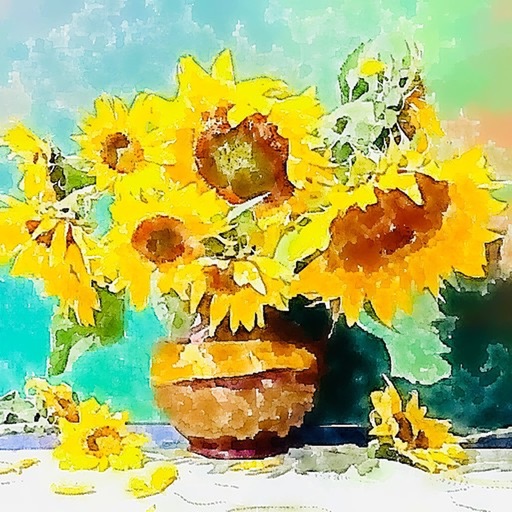
The app transforms photos into luminous watercolors in seconds. It offers expressive styles for portraits and landscapes, with print-quality export for frameable art.
Create collages by selecting from 1000+ layouts, grids, and templates. Add photos, adjust sizes, and apply filters. Share collages directly to social media or via email. Edit text, add stickers, and crop images within the .
Create professional-quality graphics by adding overlays, fonts, backgrounds, and filters to photos. Edit images with cropping and adjustments. Share designs directly to social media platforms.
Create self-portraits with various art styles such as watercolor, oil painting, and wire craft. Apply live effects or modify existing photos. Choose from multiple canvases and unique effects like droplet.