View and share Maxine's movie reactions and iconic emojis. Access exclusive content in the Pet Wall community. Receive regular updates with new emojis and features.
Add stickers to messages in iMessage. Send dynamic and static -themed stickers. Place stickers anywhere in chats. Customize photos with stickers. Layer and resize stickers in chat or on images.
Customize appearance with themes, wallpapers, and fonts. Choose from 20+ themes and over 1000 emojis. Set personal photos as backgrounds. Adjust key shapes and font styles for typing.
Access iMessage by tapping the Store icon beside the iMessage. Copy-paste dog emojis into messaging apps like Facebook Messenger, WhatsApp, and Viber. Use the iMessage extension to send emojis without installing the keyboard or granting full access.
The app supports SMS, iMessage, Mail, WeChat, WhatsApp, QQ Message, Line, KaKaoTalk, Tango, Viber, and Facebook Message. It includes over 1590 emoticons, smileys, stickers, and over 200 emoji art options.
Use Japanese-inspired emoji stickers to enhance messages and conversations. Tap to view author info, share stickers, or access label details. Add expressive visuals to chats and social media posts.
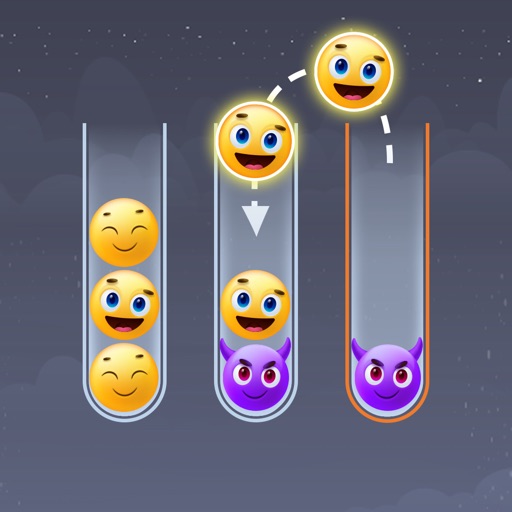
Emojis into glass bottles by matching identical emojis. Move emojis to empty bottles or those with the same type. Complete puzzles by organizing all matching emojis into separate jars. Track progress through new and refreshed puzzles.
Add emojis to messages in apps like Facebook Messenger, WhatsApp, and Viber. Access iMessage stickers without installing a keyboard. Copy-paste emojis directly into conversations.
Change with over 15,000 options. Access animated weather and special bundles like Way Pack. Save frequently used words or sentences. Use exclusive features for customization.