Create long images by automatically stitching horizontal or vertical scrolls. Combine up to 99 photos in waterfall format. Design minimalist postcards with customizable styles. Apply mosaic effects to blur parts of images.
by 芊 彭★ 4.924 ratingsPhoto & VideoFreeData updated 2026-09-11
Combine images into a single layout with customizable arrangements. Create wallet-sized prints at reduced cost. Generate frame-ready photos for home displays. Design scrapbook pages with added text and decorations.
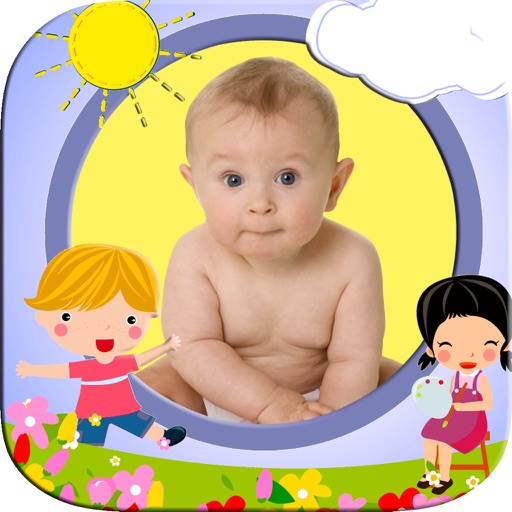
Add cartoon to photos to create keepsakes for . Select from over 40 for different occasions. Share edited photos family or save as souvenirs. Edit images by choosing and adjusting layouts.
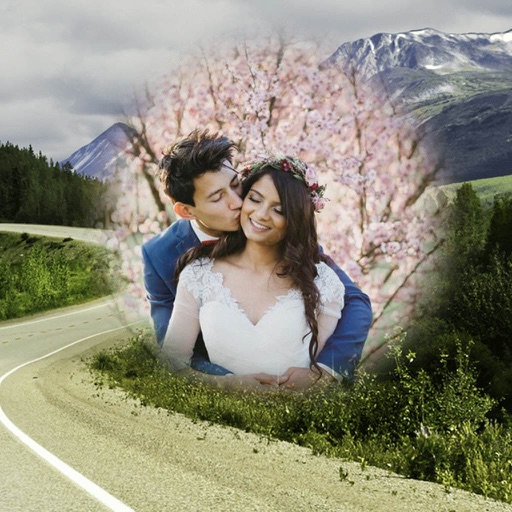
Edit photos by selecting from the gallery or capturing with the camera. Apply multiple and effects. Adjust position, size, and angle. Save, share, or upload images to social media platforms like Facebook, Twitter, or email.
Edit photos by selecting from the gallery or using the camera. Apply various frames and effects. Adjust position, size, and angle of images. Save, share, or upload photos to social networks like Facebook and Twitter.
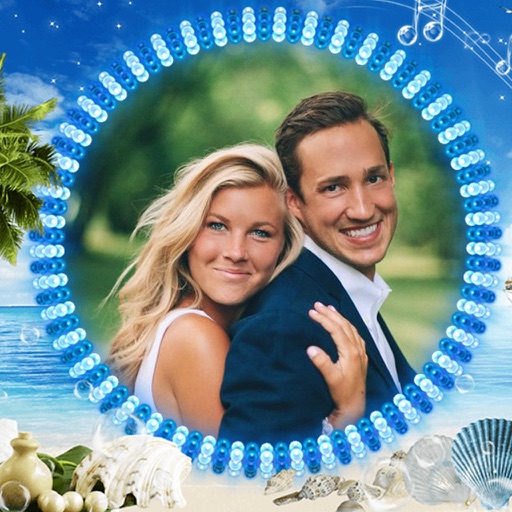
Edit photos with sea-themed frames, overlays, and underwater effects. Add text and stickers with customizable fonts. Export edited images in various formats and share directly.
Take photos directly or use existing ones to create funny or weird characters. Apply filters and effects to transform into creatures like gremlins or trolls. Compare left and right sides of for symmetry analysis. Share or save modified images.
Apply vintage filters to photos and videos. Use multiple styles with customizable backgrounds. Access Polaroid-style frames to enhance images. Support front and back cameras with flash functionality.
Turn selfies into AI-generated avatars, cartoons, and artistic portraits. Edit and enhance images with AI tools. Save and share created artworks. Apply various art styles and effects. Export in multiple formats.
Edit photos with AI-powered enhancements, facial refinement, and background removal. Apply creative styles like emoji or Ghibli art. Remove objects and adjust colors automatically. Export edited images in various formats and share directly.
Edit photos with skin smoothing, brightness adjustment, and retouch tools. Apply customizable filters and makeup effects. Experiment with hairstyles and virtual beauty transformations. Share edited images directly to social media.
Edit photos with brightness, contrast, and saturation adjustments. Crop or rotate images precisely. Apply filters and effects for mood enhancement. Add text layers and stickers for design. Create logos using shapes, colors, and typography.
Create Instagram covers with 1300+ exclusive icon templates. Select from 15+ categories and follow 3 steps to design a personalized . Export and apply directly to Instagram profile.
Apply filters by literary themes to enhance photos. Choose from pre-designed filters based on like The Great Gatsby and 1984. Adjust and combine filters to match desired aesthetics. Save and share edited photos directly.
Transform photos into -ray images using AI-driven contour detection. Save creations to a gallery and share on social media. Apply Hollywood-quality effects for creative or entertainment purposes.
The app allows users to add trolls, animal faces, and text with various fonts and colors to photos. Users can upload or capture images, then share their creations via social media or email.
Objects photos by marking areas with red or protecting important elements with green. Edit images to shrink or enlarge without altering key visual content. Export edited photos directly.
Apply with customizable filters and color adjustments. Adjust details and styles using flexible algorithms. Import videos in MOV, MP4, M4V, HEVC, Apple ProRes, and AVI formats. Combine multiple filters to create original visual styles.