Create long images by automatically stitching horizontal or vertical scrolls. Combine up to 99 photos in waterfall format. Design minimalist postcards with customizable styles. Apply mosaic effects to blur parts of images.
by 芊 彭★ 4.924 ratingsPhoto & VideoFreeData updated 2026-09-11
Create ID photos with one-click cutout and face recognition. Automatically blur background edges for natural transitions. Save edited photos directly to the album.
Edit photos using 200+ professional and filters. Adjust exposure, contrast, and color balance. Crop and rotate images. Add text and borders. Export in various formats and share directly.
Add to photos using customizable fonts and styles. Choose from a variety of artistic designs and backgrounds. Share edited images directly or save for later. Edit placement and formatting for different occasions.
Create authentic-looking couple photos from existing images. Transform photos into candid moments like wedding days, family life, or romantic photobooths. Apply vintage film effects and adjust blur levels to simulate accidental captures.
Scroll through screenshots to create continuous pages. Merge images by removing overlaps. Adjust brightness, contrast, and color. Add text, arrows, and highlights. Apply filters and export edited images.
Create custom emojis by recording videos or editing images. Adjust frames and apply effects. Choose from various tools to design unique expressions. Share created emojis directly.
Create art using AI by inputting text, photos, or both. Select a style to generate artwork. Apply anime effects to transform images into realistic anime-style pictures. Adjust and export the final artwork.
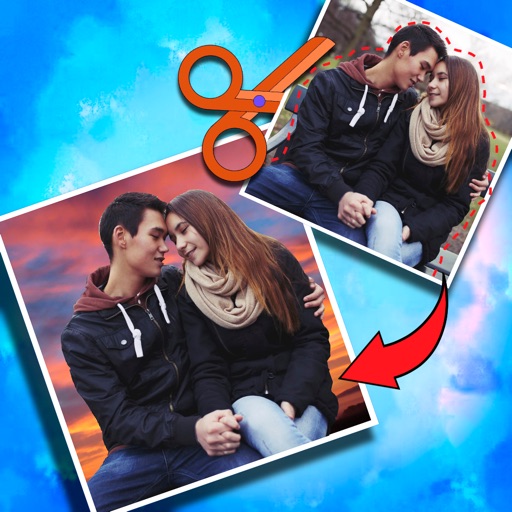
Crop photos and save individual cropped sections for later use. Combine cropped images with backgrounds or other photos to create new compositions. Apply filters to enhance the visual appearance of edited images.
Arthur Eduardo Skaetta Alvarez Desenvolvimento de Software LTDA.
Blur backgrounds, enhance portraits
Edit photos with blur and AI-powered segmentation to isolate subjects. Apply multiple blur effects and adjust settings for precise results. Export edited images in various formats and share directly.
Edit photos with AI-powered toonification, caricature, and Pixar-style cartoon effects. Apply face filters, reface, and adjust digital art layouts. Add backgrounds and export edited images.
Apply effects to photos and videos by inverting colors. Adjust brightness and contrast. Save edited media to gallery. Share directly from . Draw on images to customize effects.
Add timestamps to photos with customizable styles and colors. Import images from your gallery to apply timestamps to past moments. Edit and share photos with added date and time details.
Apply New frames to photos. Add stickers and shapes. Create collages with holiday patterns. Customize designs for Hindu culture celebrations. Share edited images directly.
Generate hyper-real AI couple and wedding photos by uploading two images. Create family-style portraits or add playful stickers. Edit and export images in various formats.
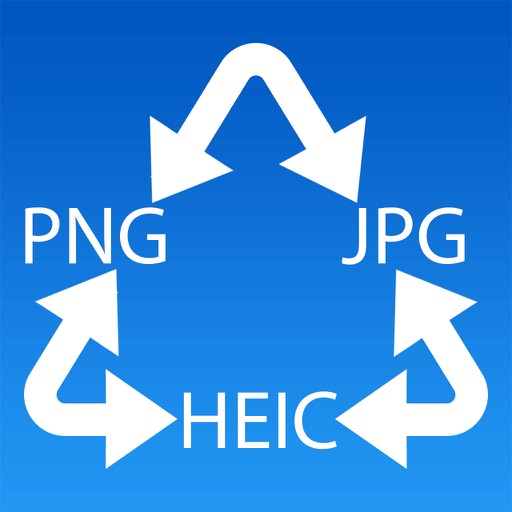
Convert photos to JPG, PNG, or HEIC formats. Select images and choose the desired output format. Conversion occurs directly on the device without internet connection. Supports multiple formats for direct saving and sharing.