Image Converter: HEIC-JPG-PNG
Convert photos to JPG, PNG, or HEIC
Andy Sutanto
iPhone Screenshots
Description
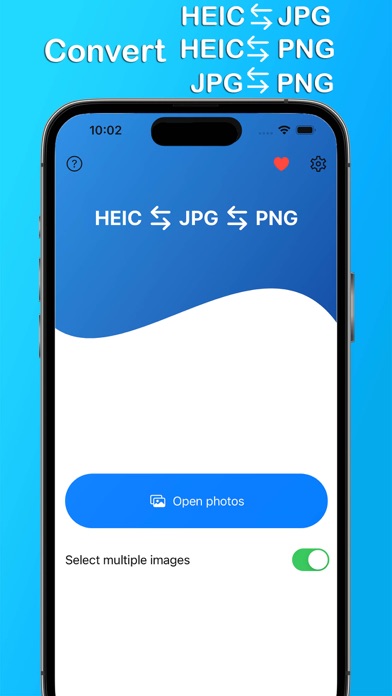
Convert photos to JPG, PNG, or HEIC formats. Select images and choose the desired output format. Conversion occurs directly on the device without internet connection. Supports multiple formats for direct saving and sharing.
Easily Convert your photos to JPG / JPEG , PNG, or HEIC / HEIF format in an instant!
This app is designed to help you transform any of your pictures into different image formats.
We value your privacy. The conversion will be processed on your device, unlike other apps which force you to upload the images.
HEIC Converter app can be used without an internet connection.
Supported format:
• JPG / JPEG
• PNG
• HEIC / HEIF
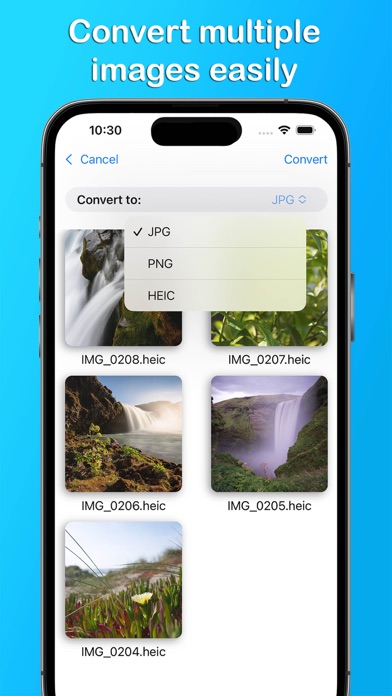
1. Select the images that you want to convert
2. Choose the output format (JPG, PNG, or HEIC / HEIF)
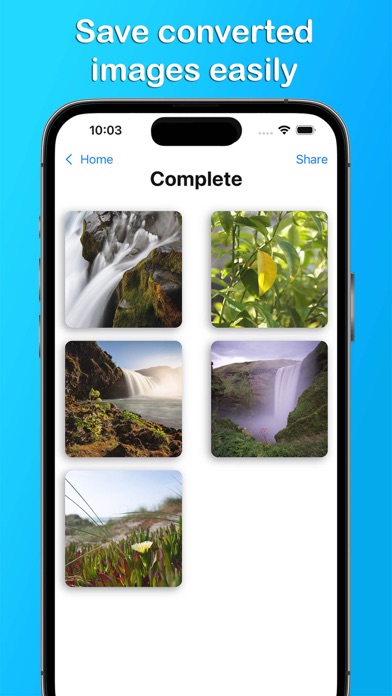
3. The converted images will be saved in the preinstalled "Photos" app
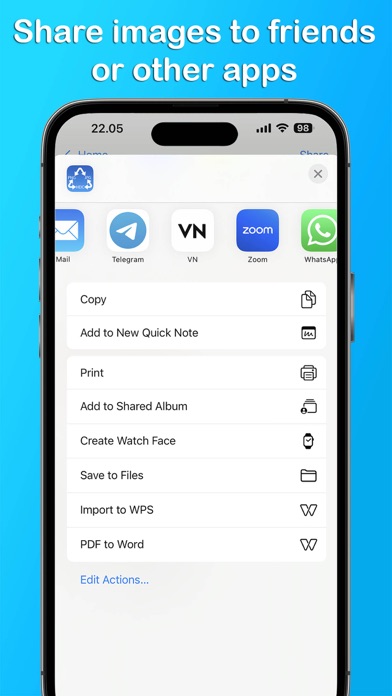
4. Share the images to your friends or other apps
HEIC to JPG to PNG Converter is free. You can use it forever, at no cost.
However, HEIC to JPG to PNG Converter does offer premium features for its subscribers. If you decide to purchase an upgrade, you can unlock additional features, i.e. remove ads and enable multiple images selection.
If you have question or suggestion about Full Battery Charge Alarm, please send us an email.
Terms of Use: https://kociapp.github.io/HEIC-Converter/term-of-use
Privacy Policy: https://kociapp.github.io/HEIC-Converter/privacy-policy