Record and play files. Edit with cut, copy, paste, trim, fade, and silence insertion. Normalize and reduce noise. Adjust tempo, speed, and pitch. Use a 10-band equalizer and compressor. Split vocals and accompaniment. Remove reverb and clean voice.
Play video files in all formats and encodings without conversion. Support ASS/SSA/SUP subtitles for full effect. Stream from PC or NAS directly without storage usage. No need to download files for playback.
Play videos, audio, and images in various formats without conversion. Sync files with cloud services and stream from servers. Support advanced subtitles, multi-track audio, and playback speed control.
Allows users to download and stream videos from iCloud, Dropbox, Google Drive, and OneDrive. It supports network streaming and Wi-Fi transfer for adding videos. Users can trim, compress, and reverse videos.
Download from various sources including cloud storage and devices. audio and video files offline without internet. Transfer via Wi-Fi. Import from Apple and other file systems. Sync and organize library across devices.
Play videos and audio in various formats. Organize media into playlists. Cast content to Chromecast. Sync files via iTunes or Finder. Create videos for social platforms. Browse and play online content. Share messages and wishes.
Manage files with drag-and-drop, copy, paste, and folder creation. View documents, play audio/video, and edit text. Transfer files between devices and share via links or messages.
Playlists are displayed and played in a video player. Users can manage and view their own playlists. Content is streamed directly from the playlist without additional content supply. The is compatible with iOS devices.
And videos via WiFi or USB to computer. Convert HEIC to JPG, HEVC to MOV/MP4, and Live to videos. Supports direct file sharing and drag-and-drop functionality.
Play videos and audio files in full HD. Support multiple audio tracks and subtitles. Organize media files and access them quickly. Manage playback settings for optimal viewing experience.
Play FLAC and other audio files with lossless sound quality. Stream or download songs from NAS or cloud storage. Organize into categories and create custom playlists. Adjust equalizer and bass booster settings.
Play audio and video files with support for multiple formats. Create and manage playlists by title, artist, or album. Control playback with next, previous, rewind, pause, and fast forward functions. Add songs to a queue for organized playback.
Allows users to play and manage videos and audio files in formats like 4K, HD, MKV, AVI, MOV, MP4, 3GP, MPEG, and all audio formats. It includes a media library for organizing files and browsing folders.
Video and music player allows high-quality playback with advanced controls. Gallery lets users browse and view images in an intuitive interface. Video editor enables trimming, cutting, and adding effects.
Manage and play files from iCloud, Dropbox, Google Drive, and OneDrive. Support MP3, M4A, WAV, FLAC, and other formats. Edit metadata and cover art. Convert audio and video to audio. Organize by artist, song, or album. Import from iTunes or library.
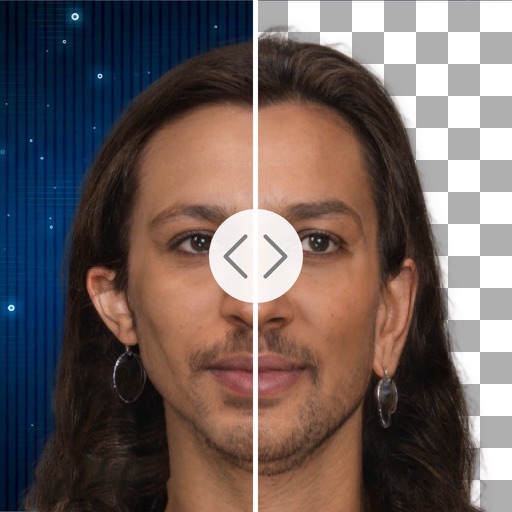
Remove backgrounds with a single tap. Replace with 800+ virtual templates. Export as transparent MP4 with alpha channel. Adjust resolution to 16:9 or 9:16. Position and scale the top layer transparent .
Convert text to realistic audio or video. Choose from various voices. Export as MP3 or MP4. Create pranks, social media content, podcasts, and more. Record notes and use for gaming or bots.