Enhance photos with AI-powered unblurring and restoration. Adjust clarity, brightness, and contrast. Crop and resize images. Save and share edited photos directly. Restore old or damaged images to high definition.
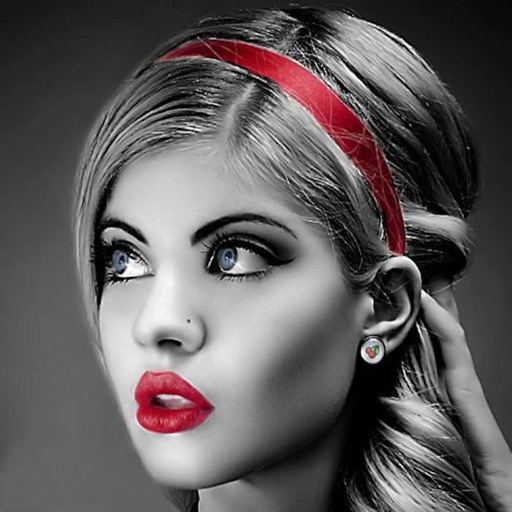
Edit photos with selective effects using gesture controls. Zoom and pan to adjust splash areas. Convert parts of the image to grayscale while keeping selected regions in full . Export edited photos directly.
Mark up photos and PDFs with , highlight, underline, strike through, blur, pixelate, erase, draw, and sign tools. Apply line and word-based markups for precise editing. Use suggested to identify and remove sensitive information.
Edit photos by blurring or pixelating faces with AI-powered detection. Black out license plates or other sensitive details. Save and share edited images directly.
The app allows users to obscure sensitive details in photos and videos. Users can blur or pixelate specific areas or faces, with options for automatic tracking and manual keyframes in videos.
Photos by automatically detecting foreground and with a smart selection tool. Refine edges using an on-screen brush for precise adjustments. Choose from over 15 effects to customize the appearance. Export edited images directly.
Edit photos with brightness, saturation, and contrast adjustments. Add text, stickers, and memes. Crop, rotate, and straighten images. Apply effects and frames. Sharpen or blur photos. Import images from the camera roll. Fix red tones.
Securely store and protect private and videos with Touch ID, password, and data encryption. Set waiting time for incorrect password attempts. Change password anytime. No password storage by the .
Automatically detects and hides private text in images. Users can edit photos to remove sensitive information like phone numbers and addresses. Adjust redaction areas and export edited images for sharing.
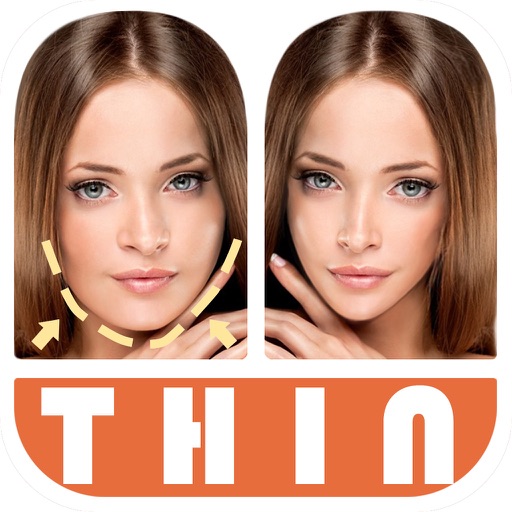
Edit photos by automatically detecting faces and adjusting body shape in four modes: , head, body, and manual. Apply changes to photos from the or library and share the edited images.
Allows users to photos using AI to separate subjects from backgrounds. Apply motion or censor sensitive areas. Adjust intensity and export edited images.
Add emoji to images to obscure faces, such as those of children or strangers. Automatically detect and mask faces with emojis. Remove all metadata from shared images to protect privacy.
Create and edit videos with effects, pixelation, or blurring. Highlight specific segments or use a magnifying glass for close-ups. Annotate videos with boxes and share edited content directly.
Allows users to apply effects to backgrounds. Select images from the gallery or capture new photos. Use multiple blurring tools to adjust the effect. Export edited images directly.
Photos with a variety of filters including Normal, Linear, Vignette, Instant, Process, Transfer, Chrome, Fade, Curve, Tonal, Noir, Mono, and Invert. Adjust lighting, chromatic aberration, and blackout settings.