Compress photos and images to file . Adjust compression rate to control image quality. Save and share compressed files directly. View filename, resolution, creation date, and file details.
Share photos by clicking twice. Split images into square sections that fit together on social media. Choose from multiple layouts. Upload and edit photos with intuitive guidance. Adjust brightness, contrast, and saturation. Add text and filters.
Edit photos with presets, watercolor filters, aging effects, and realistic mustaches. Crop, adjust colors, and add text. Share in various aspect ratios. Organize and browse albums and shared streams.
Create collages with customizable blur backgrounds and adjustable layouts. Apply filters like black and white, vintage, and retro to enhance images. Edit photos by resizing, cropping, or deleting elements.
Arthur Eduardo Skaetta Alvarez Desenvolvimento de Software LTDA.
Videos and adjust speed
Convert videos to with audio reversed. Adjust playback speed for customization. Export and share reversed videos to social media or save to the camera roll.
Create reflection effects with left-right, up-down, or repeat options. Apply effects and designer frames to enhanced images. Select from gallery or capture new photos for editing. Export and share edited images.
The app transforms user photos into videos using an AI that analyzes quality, faces, composition, and lighting. It offers over 40 transitions, a music library, and export options for various social platforms.
Turn photos into paintings using preloaded styles and custom brushes. Adjust brush strokes with paint masks and save images with transparent backgrounds. Generate unique styles in Workshop mode and share or print finished artwork.
Create videos by selecting templates, adding images, and customizing text. Rotate images and use stickers. Share videos across platforms. Access trending content and new daily videos. Add personal signatures and edit clips with improved tools.
Resize and crop photos in batches, adjust dimensions, rotate, or delete multiple images at once. Save edited photos to camera roll, email, or Dropbox. Customize resize settings and export to a working directory without altering original files.
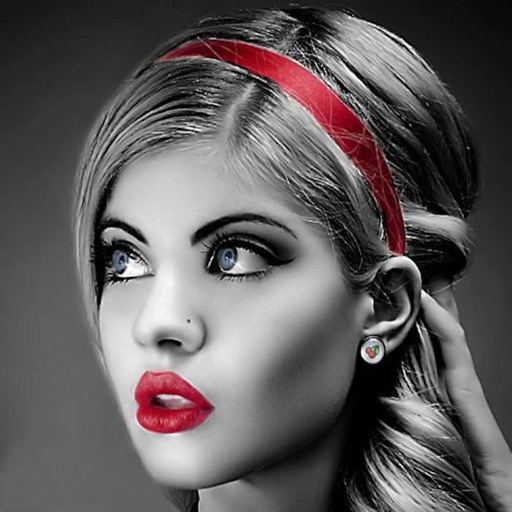
Edit photos with selective effects using gesture controls. Zoom and pan to adjust splash areas. Convert parts of the image to grayscale while keeping selected regions in full . Export edited photos directly.
Save specific video scenes to photo albums with or without live photo. View images in fullscreen. Save multiple photos. Export as GIF. Sync with iCloud Photo Library.