Resize images to fit various formats like Instagram posts, stories, Facebook covers, or custom ratios. Adjust aspect ratios manually or select preset options. Apply Fit or Fill modes to scale images without cropping or stretching.
Create realistic artwork with pencil, brush, pen, and marker tools. Import images as layers and edit with eraser, ruler, compass, and other tools. Add stickers and use layer management for detailed painting and design.
Split photos into multiple squares for Instagram posts. View metadata, edit images, add tags and descriptions. Organize photos with titles and personal branding. Share directly to Instagram.
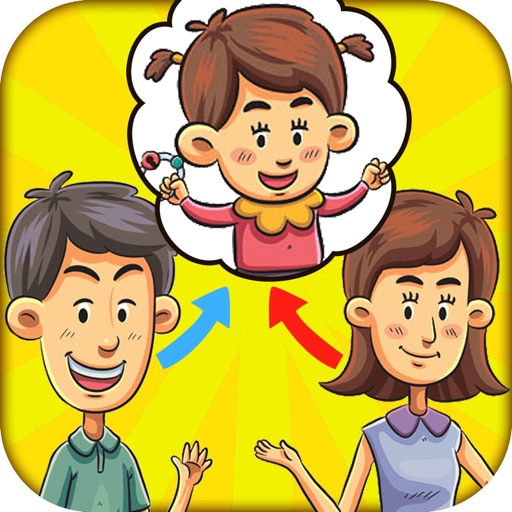
Create a image from two parent photos using facial feature recognition and digital image processing. Select and adjust parent images, generate the image, and save or share it.
Create square frames using images from your photo library. Add multiple images to a frame. Change . Rotate, resize, and reposition images. Preview the final image. Save the completed image to your photo library.
Resize images to 480x640 pixels without internet. Select photos from the library. Adjust up or down. Export resized images directly. No internet required for resizing. Simple interface for quick adjustments.
Convert images into the of selected paintings using AI processing. Select an image from the album or camera, choose a painting , apply the transformation, and save or share the result.
Convert photos between JPG, PNG, HEIC, and PDF formats without quality loss. Select and add multiple images from various sources. Adjust compression settings and save or share converted files.
The app allows users to post entire photos on Instagram without cropping. It offers a colorful background option and direct sharing to Instagram, Facebook, and X.
Record time- videos with customizable intervals and duration settings. Capture stop sequences frame by frame. Edit clips with trimming, speed adjustments, and filters. Share videos directly to social media or cloud storage.
Create and customize grids with adjustable square or custom block sizes. Set canvas dimensions for accurate layout. Position and resize images within the . Adjust properties and view physical measurements. Submit feature requests directly from the .
Turn photos into GIFs by selecting from a variety of animations. Choose from options like extreme anger, sly smile, and epic slap. Share the resulting GIFs directly with friends. Edit and customize animations before sharing.
Arthur Eduardo Skaetta Alvarez Desenvolvimento de Software LTDA.
With one touch
Using AI to add color to black and white images. Import from camera or photo library. Adjust color intensity with a slider. Save or share the edited image.